Compress a PDF with an API from Node.js and Python
Send a PDF to the compression API from Node.js or Python, poll the job, save the smaller file and retry safely with one Idempotency-Key per job.
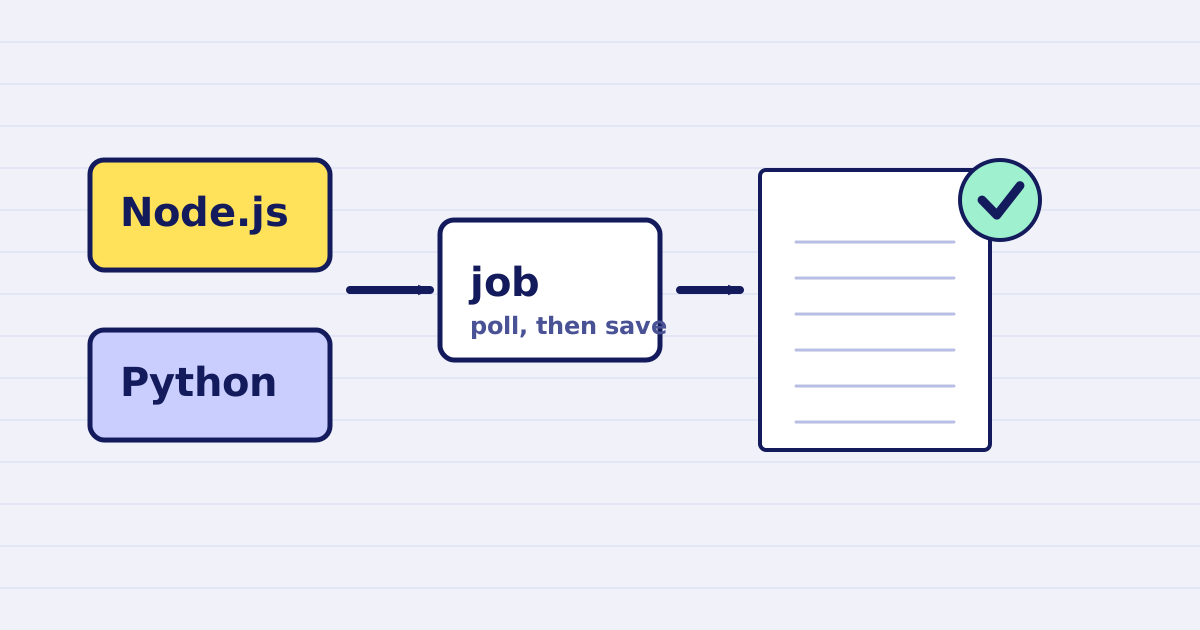
A PDF compression call is one step in a larger job. A report is built, a file is uploaded, a message goes out. The compression step should not be the place where the whole job breaks. This guide gives you a client for Node.js 18 or later and one for Python 3.9 or later. Each client sends one PDF, waits for the job, saves the smaller file and retries without starting a second job.
The request is the one in the PDF optimization reference. If you want the options first, read the PDF compression API page. This article is about the client code, the retries and the checks that catch a bad result.
What the call returns
POST /v1/pdf/compress takes a source and an options object. The source is a public URL in this guide. PDFs are processed asynchronously by default, so the first answer is 202 Accepted with a job id:
{
  "job_id": "job_01JBXQ8K2M3N4P5Q6R7S8T9V",
  "status": "queued",
  "status_url": "https://api.justapi.tech/v1/jobs/job_01JBXQ8K2M3N4P5Q6R7S8T9V",
  "estimated_seconds": 12,
  "created_at": "2026-10-29T14:22:01Z"
}
You then read GET /v1/jobs/{job_id} until the status is completed. A completed job carries result.url, a signed link to the compressed PDF, with an expires_at time. A job that fails or is cancelled ends in a status of its own, and the client should stop there rather than wait.
The job statuses in this flow are queued, running, completed, failed, cancelled and expired. The client below waits for completed and treats the other terminal states as errors.
The Node.js client
This client needs Node.js 18 or later for the built-in fetch. Set JUSTAPI_KEY in the environment and run the file with node compress-pdf.mjs.
import { randomUUID } from 'node:crypto';
import { writeFile } from 'node:fs/promises';

const API = 'https://api.justapi.tech';
const KEY = process.env.JUSTAPI_KEY;
const RETRY_STATUS = new Set([429, 500, 502, 503, 504]);
const sleep = (ms) => new Promise((resolve) => setTimeout(resolve, ms));

// POST with retries. A retry sends the same Idempotency-Key and the same body,
// so the server returns the first answer instead of starting a second job.
async function postWithRetry(url, body, idempotencyKey) {
  for (let attempt = 1; attempt <= 4; attempt++) {
    let res = null;
    try {
      res = await fetch(url, {
        method: 'POST',
        headers: {
          Authorization: `Bearer ${KEY}`,
          'Content-Type': 'application/json',
          'Idempotency-Key': idempotencyKey,
        },
        body: JSON.stringify(body),
      });
    } catch {
      // Network error: fall through and retry.
    }
    if (res?.ok) return res.json();
    if (res && !RETRY_STATUS.has(res.status)) {
      throw new Error(`HTTP ${res.status}: ${await res.text()}`); // A 4xx: retrying will not help.
    }
    await sleep(2 ** attempt * 1000);
  }
  throw new Error('compress request failed after 4 attempts');
}

async function waitForJob(jobId) {
  for (let i = 0; i < 150; i++) { // About 5 minutes at 2 seconds.
    const res = await fetch(`${API}/v1/jobs/${jobId}`, {
      headers: { Authorization: `Bearer ${KEY}` },
    });
    if (!res.ok) throw new Error(`job ${jobId}: HTTP ${res.status}`);
    const job = await res.json();
    if (job.status === 'completed') return job;
    if (['failed', 'cancelled', 'expired'].includes(job.status)) {
      throw new Error(`job ${jobId} ended as ${job.status}`);
    }
    await sleep(2000);
  }
  throw new Error(`job ${jobId} still running after 5 minutes`);
}

export async function compressPdf(sourceUrl, { idempotencyKey = randomUUID(), maxSizeMb = 5 } = {}) {
  const body = {
    source: { url: sourceUrl },
    options: { profile: 'auto', max_size_mb: maxSizeMb },
  };
  const accepted = await postWithRetry(`${API}/v1/pdf/compress`, body, idempotencyKey);
  return waitForJob(accepted.job_id);
}

export async function saveResult(job, path) {
  const res = await fetch(job.result.url); // The link is signed: no key needed.
  if (!res.ok) throw new Error(`download failed: HTTP ${res.status}`);
  const bytes = Buffer.from(await res.arrayBuffer());
  await writeFile(path, bytes);
  return bytes.length;
}

const job = await compressPdf('https://files.example.com/reports/site-visit.pdf');
console.log('saved', await saveResult(job, 'site-visit-compressed.pdf'), 'bytes');
The function compressPdf takes an idempotencyKey so that you can store it with your record. Create the key once per logical job, before the first request, and keep it. The default creates a new key on each call, which is fine for a script and wrong for a workflow that retries the whole step.
The Python client
This client uses the requests package, installed with pip install requests. Set JUSTAPI_KEY and run the file with python compress_pdf.py.
import os
import time
import uuid

import requests

API = "https://api.justapi.tech"
HEADERS = {"Authorization": f"Bearer {os.environ['JUSTAPI_KEY']}"}
RETRY_STATUS = {429, 500, 502, 503, 504}


def post_with_retry(url, body, idempotency_key):
    """POST with retries. A retry sends the same key and body, so no second job starts."""
    headers = {**HEADERS, "Content-Type": "application/json", "Idempotency-Key": idempotency_key}
    for attempt in range(1, 5):
        res = None
        try:
            res = requests.post(url, json=body, headers=headers, timeout=30)
        except requests.RequestException:
            pass  # Network error: fall through and retry.
        if res is not None and res.ok:
            return res.json()
        if res is not None and res.status_code not in RETRY_STATUS:
            raise RuntimeError(f"HTTP {res.status_code}: {res.text}")  # A 4xx: retrying will not help.
        time.sleep(2 ** attempt)
    raise RuntimeError("compress request failed after 4 attempts")


def wait_for_job(job_id):
    for _ in range(150):  # About 5 minutes at 2 seconds.
        res = requests.get(f"{API}/v1/jobs/{job_id}", headers=HEADERS, timeout=30)
        res.raise_for_status()
        job = res.json()
        if job["status"] == "completed":
            return job
        if job["status"] in ("failed", "cancelled", "expired"):
            raise RuntimeError(f"job {job_id} ended as {job['status']}")
        time.sleep(2)
    raise RuntimeError(f"job {job_id} still running after 5 minutes")


def compress_pdf(source_url, idempotency_key=None, max_size_mb=5):
    body = {"source": {"url": source_url}, "options": {"profile": "auto", "max_size_mb": max_size_mb}}
    accepted = post_with_retry(f"{API}/v1/pdf/compress", body, idempotency_key or str(uuid.uuid4()))
    return wait_for_job(accepted["job_id"])


def save_result(job, path):
    res = requests.get(job["result"]["url"], timeout=120)  # The link is signed: no key needed.
    res.raise_for_status()
    with open(path, "wb") as f:
        f.write(res.content)
    return len(res.content)


if __name__ == "__main__":
    job = compress_pdf("https://files.example.com/reports/site-visit.pdf")
    print("saved", save_result(job, "site-visit-compressed.pdf"), "bytes")
Both clients follow the same plan. They send the request once, retry only the failures that can succeed later, wait for the job with a limit, and download the result from its signed link.
Why the Idempotency-Key matters
Workflows retry. A timeout on your side does not tell you whether the server received the request, and a naive retry can start a second compression and charge for it. The Idempotency-Key header prevents that. Within 24 hours, the same key with the same body returns the original answer and charges nothing again. The same key with a different body is refused with 409 idempotency_conflict, so a key cannot quietly point at another file.
That is why the retry loop above keeps the key and the body fixed. Create a new key only when you start a new job, and store it with the record that owns the file. If your process dies after sending the request, you can send it again with the stored key and get the same job back.
The MDN glossary entry on idempotence explains the general idea behind this behaviour. The Bubble connector guide covers the same rule for workflows that retry on their own.
Which errors to retry
Retry the statuses the client lists: 429, 500, 502, 503 and 504. A 429 means you are sending too many requests for your plan, so the backoff in the loop is the right response. The 429 status reference describes the header that some servers send to say how long to wait. Read it if you send bursts of files.
Do not retry any other 4xx. These mean the request needs a change, and sending it again will get the same answer:
- A signed PDF returns
422unless you setallow_signature_breaktotrue. Compressing a signed file breaks its signature, so the choice belongs to you. The signed PDF error page explains the options. - A password-protected PDF needs the
passwordoption. Without it you getencrypted_pdf(422), and nothing is charged. - A wrong key returns
401(invalid_api_key), and an account without enough credit returns402(insufficient_credits). Both are fixed outside the client, so retrying them only repeats the error.
If a poll fails on the network, the job keeps running on our side. Catch the error in your own code and poll the same job_id again. Do not send a new compression request, because a new request is a new job with a new key.
Check the file before you use it
Open one result in a PDF viewer before you wire the client into a workflow. Look at the pages that matter most: photos, small print, tables and signatures. Size is only half of the check. The photo report guide explains how to judge legibility at the size the reader will use, and the email guide covers attachment limits and the cases where compression is the wrong answer.
The result link expires. The expires_at time in the job tells you when, and your retention depends on your plan. On the standard tier, results are kept for 24 hours. Copy the file to storage you control as soon as the job completes, and store the URL of your copy in your record, not the signed link.
What it costs
PDF compression is priced per file, by the size of the input. At the first monthly tier, a file up to 25 MB costs $0.030, and a file from 25 MB to 200 MB costs $0.060. The price does not depend on the number of pages, so a 60-page report and a 3-page letter of the same size cost the same.
Nothing is charged for a request that fails with a 4xx or 5xx response. Nothing is charged when the output is not smaller than the input, because the rule is that you pay for work that helped. The pricing page has every operation and tier, and the file API pricing guide explains the no-charge cases in more detail.
Before you go to production
Keep the key on your server, in an environment variable or a secrets store, and never in browser code. Send the request from your backend, store the job and key with the file record, and treat the signed link as temporary.
The snippets in this article were run against a local stub that follows the response shapes in the reference. They were not run against the live service from this page. Run each client once with a real key on a test file, then check the saved PDF before you rely on it.
For a no-code route, see the Bubble PDF connector guide. For the full options list, start with the PDF compression API page.
Keep reading
-
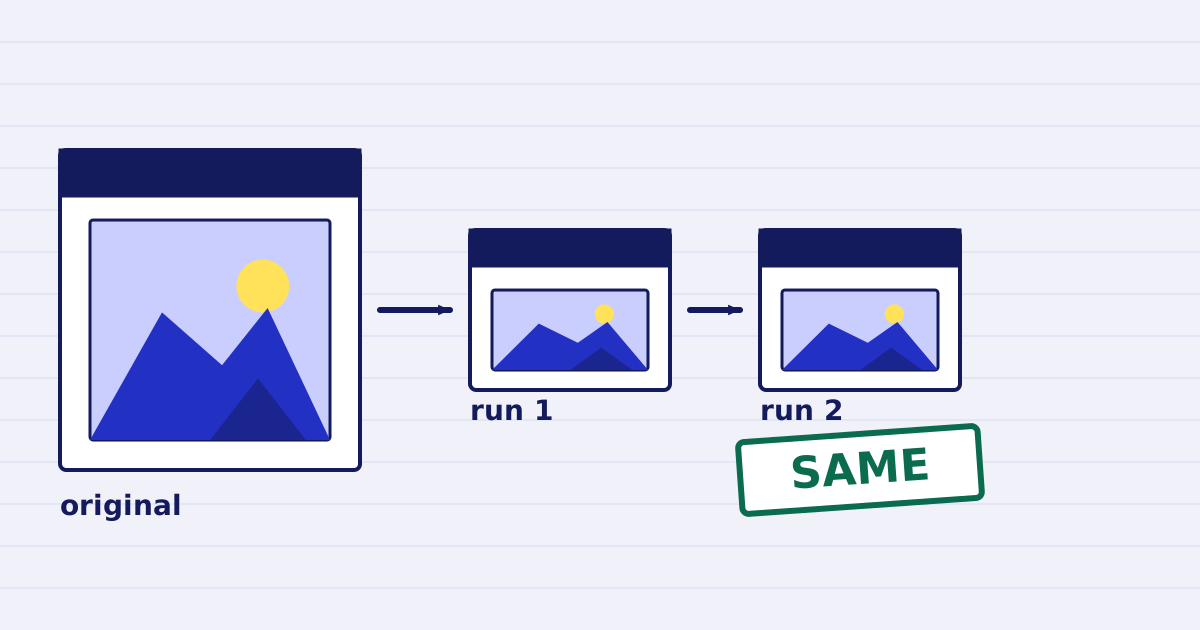
Compress a PDF twice: the second run returns the same bytes
A second compression run skips images that are already at target, so the file comes back unchanged. We measured it, and the case where it does more work. -
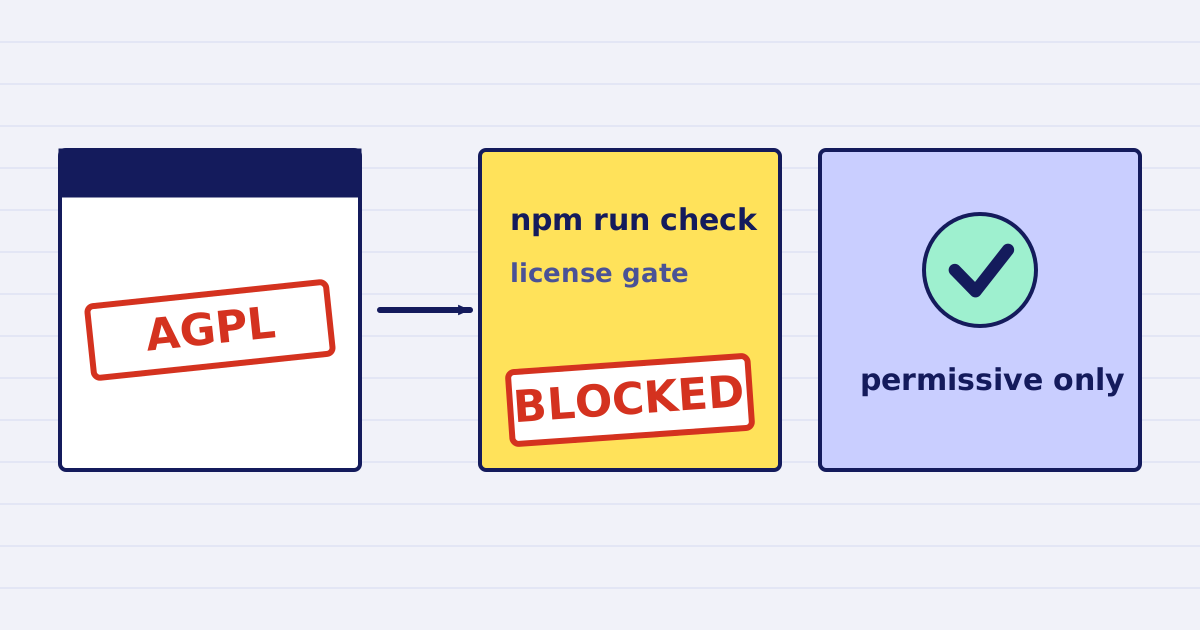
Why our PDF pipeline avoids Ghostscript and MuPDF
Ghostscript and MuPDF are AGPL-licensed. Here is what that license asks of a hosted API, and how our build blocks AGPL and GPL dependencies.