PDF compression for photo reports: a practical API guide
A PDF compression API helps most when a photo report embeds images at a resolution far above their displayed size. Start with those images, choose a profile for how the report will be read, and check the result at that reading size. A percentage reduction alone cannot tell you whether the document is still useful.
This guide is for a developer sending inspection reports, delivery evidence or field photographs from a workflow. The example numbers are illustrative calculations, not customer benchmarks. The request options describe the current JustAPI PDF service; no particular reduction is guaranteed.
Why a short PDF can still be enormous
Page count does not explain file size. A short report can contain many full resolution photos, while a much longer text document stays small. An image can occupy only a small rectangle on the page and still carry all of its original pixels inside the file.
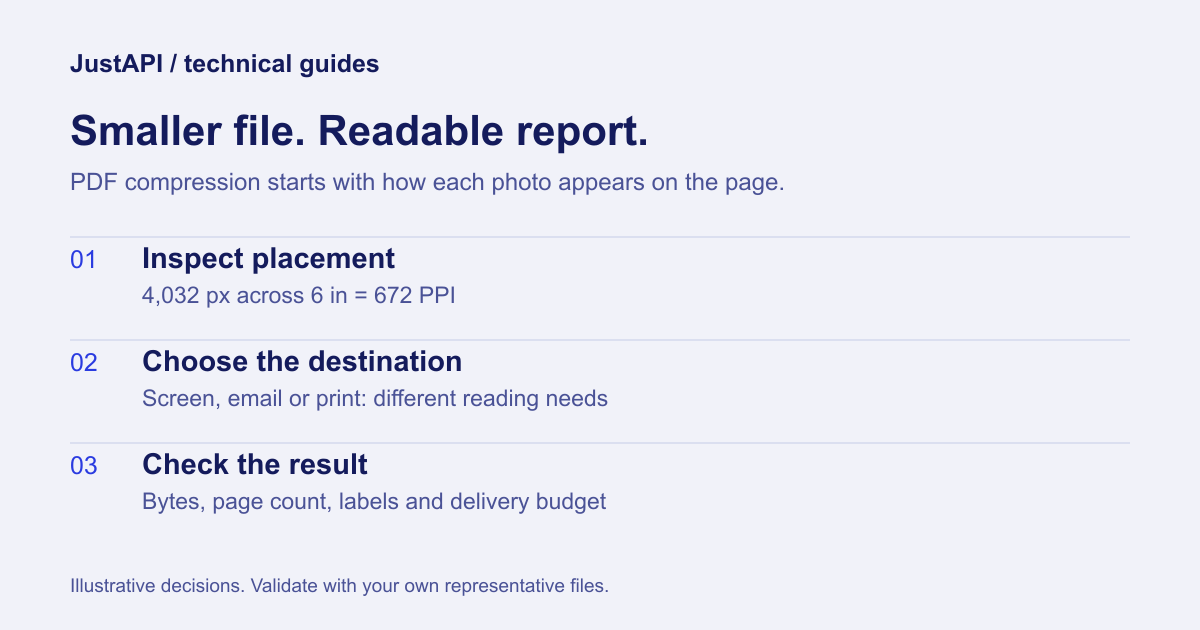
Consider an illustrative photo that is 4,032 pixels wide and appears six inches wide in the report. Its effective horizontal resolution is 4032 / 6 = 672 pixels per inch. At a proposed 150 PPI output, the same displayed rectangle needs about 6 × 150 = 900 horizontal pixels. That is a change in image dimensions, not a promise about JPEG bytes or visual quality.
The distinction matters because two equally sized images may compress differently. Texture, existing encoding, noise and small lettering all change the tradeoff. A photo of a blank wall is not a safe proxy for a serial number plate.
| What is inside the PDF? | What to inspect first | What to expect |
|---|---|---|
| Large phone photographs in small page rectangles | Pixel dimensions versus displayed dimensions | Resampling may remove unnecessary image detail |
| Scans containing small printed text | Text edges at the intended reading size | Readability may set a higher resolution floor |
| Mostly text and vector drawings | Existing stream compression and embedded resources | Less opportunity for image resampling |
| Images already optimized for their placement | Original and output byte counts | Little reduction, or the original returned |
PDF structural compression and photo resampling are different operations. The qpdf manual documents stream and image optimization separately. Rewriting the container does not, by itself, establish that a high resolution photo has been resized.
Choose the profile by the report's destination
Choose a screen or email profile for a report read on a display, and evaluate a print profile against an actual print requirement. These are starting points. A document with labels, measurements or evidence photographs needs a quality check that reflects the task its reader must perform.
The current service provides screen, email, ebook, print, prepress, auto and custom profiles. The parameter reference describes their options. Explicitly setting email is useful when you want the workflow's purpose to be clear to the next developer.
Do not treat a target PPI as a single pixel width for every image. A full page photograph and a small thumbnail have different displayed sizes. The implemented PDF engine uses each image's placement when deciding whether to resample it. This is the practical reason to optimize the document as a document, instead of blindly resizing every embedded image to the same width.
Keep an unsigned original while testing. You may need a separate delivery copy for email and an original for archive or print. One file does not have to satisfy every use case.
Send the smallest useful request
Send a source URL, an explicit profile and a stable idempotency key. Use a server-side call so the API key stays private. A retried workflow should repeat the same request with the same key; a new document or changed settings should use a new key.
Endpoint: POST https://api.justapi.tech/v1/pdf/compress.
{
  "source": { "url": "https://files.example.com/report.pdf" },
  "options": { "profile": "email", "output": "url" },
  "mode": "sync"
}
Set Authorization: Bearer YOUR_API_KEY, Content-Type: application/json and Idempotency-Key: YOUR_OPERATION_ID in your server's request headers. Replace the example URL with a real PDF that the service can retrieve. The JSON above is a contract example; the example host is not a downloadable test fixture.
The explicit synchronous example is for a file no larger than the service's 10 MiB synchronous ceiling, also subject to your account's file limit. For a larger report, use the documented asynchronous flow and track its job rather than holding a frontend request open. See the quickstart for access and response handling.
Download the returned file, record returned_original and inspect the reported original and output sizes. The current public API does not expose /v1/pdf/analyze. An integration that calls that planned endpoint will not work.
| Response field | What your workflow should check |
|---|---|
result.bytes |
Actual output size, before message encoding |
result.returned_original |
Whether the smaller-file step returned the original |
stats.original_bytes |
Input size used for your comparison |
stats.target_not_met, when present |
The size target could not be reached within the policy |
Budget for base64 and the whole message
Base64 makes binary data larger. For padded base64 without line breaks, the exact length is 4 × ceil(binary_bytes / 3) characters. To fit an encoded budget of B characters, the binary file must be at most 3 × floor(B / 4) bytes. Other parts of the message need their own space.
This follows the encoding defined in RFC 4648, section 4. For example, a 28,000,000 character allowance permits at most 21,000,000 binary bytes before JSON, MIME wrapping, headers or other attachments. This is decimal byte arithmetic; it is not a claim about a particular email provider's limit.
When possible, transfer the file through a URL instead of putting base64 in your API request. If the downstream system requires base64, calculate its full payload budget first. A file that fits an attachment field may still make the complete message too large.
JustAPI accepts max_base64_bytes as an output targeting option and max_size_mb as a binary size target. A target can remain unmet when reaching it would cross the quality floor. Check stats.target_not_met rather than assuming a successful HTTP response means the output fits every constraint.
Validate the report with the reader's job in mind
A usable test set contains both easy and difficult documents. Include dense photographs, a serial number plate, a scan with small text and a report whose images are already small. Compare the original and output at the display or print size your users actually need.
For each file, record these proposed acceptance checks:
- The output opens and contains the expected pages.
- Small labels, identifiers and handwritten notes remain legible.
- Image orientation and colour remain suitable for the report's purpose.
- The full delivery payload fits, including encoding and attachments.
- A repeated workflow does not create a second logical operation.
- A returned original is handled as a valid outcome, not as a broken download.
A visual similarity metric, where available, cannot replace a check that the relevant text can still be read. This guide does not claim that the current PDF endpoint performs SSIM verification. If a document is already optimized, JustAPI can return the original with no compression charge; check the published billing rules rather than estimating a fee from the input size alone.
Handle signed and archival documents separately
Compress a delivery copy before signing whenever the process permits it. Rewriting a signed PDF can invalidate its signature. A visible signature image and a valid digital signature are different things; seeing a signature on a page does not establish cryptographic validity.
Adobe's guidance on signed PDF permissions explains why editing signed documents requires care. JustAPI rejects detected signatures by default. Its detection is not an exhaustive signature validator, so keep any validation your signing process already requires.
The service also rejects detected PDF/A or PDF/X declarations by default. Do not set an override just to make an automated workflow turn green. Decide whether you need a compliant archive, a signed record or a smaller delivery copy, and route those requirements separately. For a rejected file, use the signed PDF error guide.
Questions that come up during integration
Can every PDF become 95% smaller?
No. The possible reduction depends on the document's existing encoding and image resolution. A fixed percentage promise is a poor acceptance criterion. Use actual bytes, legibility and the delivery budget for your own representative files.
Should I optimize the photos before generating the report?
Often it is useful, especially when you control the source pipeline. Test that approach alongside compression after generation. The iPhone image processing guide covers orientation and colour handling before a photo enters a report.
Does asynchronous processing allow a larger account limit?
No. It changes how your application waits for completion. Account file limits still apply, and the size target may still be unmet. Build an explicit path for file_too_large, processing errors and expired results.
Start with a small, non-sensitive report and your real acceptance checklist. Automate the call after the result passes the same inspection a human recipient would make.