Compress a PDF twice: the second run returns the same bytes
A second compression run skips images that are already at target, so the file comes back unchanged. We measured it, and the case where it does more work.
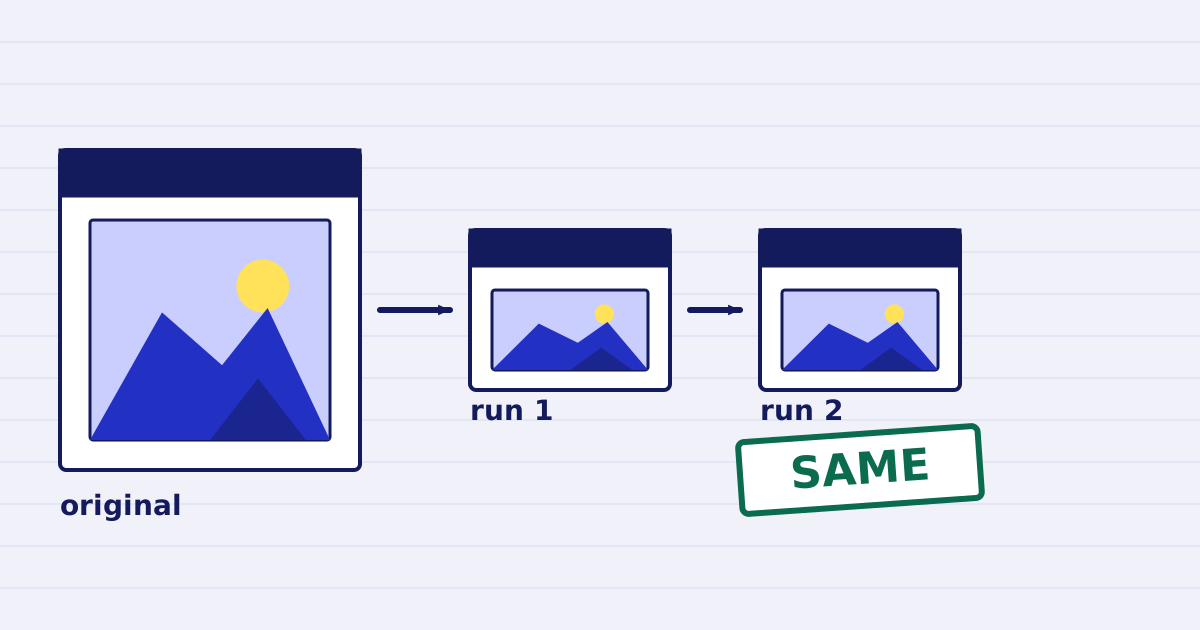
With the same options, a compressed PDF comes back unchanged when you compress it again. In our test the second run returned the same 13,514 bytes and processed no images. A stricter target is different: it does real work again.
Pipelines sometimes send the same file through compression more than once. A retry resends the same request, which an idempotency key handles. A rerun takes the output of an earlier job and sends it in again. This guide covers the second case: why it is usually a no-op, what we measured, and when it is not.
Why the second run does nothing
JPEG is lossy. Each re-encode removes some detail, so the engine avoids re-encoding unless the change is worth it. It applies three rules to each image:
- Resample only when the image is too large. An image is resampled if its effective resolution is more than 20% above the target. An image already at the target keeps its size.
- Re-encode a JPEG only when there is room to gain. The engine re-encodes a JPEG only when its estimated quality is above 78 and at least 10 points above the requested quality. Anything closer is left alone.
- Keep a new image only if it is smaller. A replacement must be at most 90% of the original size.
After one run, the photos sit at the target size and quality, so a second run finds nothing that passes the rules. The thresholds above are the engine's current values. They may change, so do not copy them into your own logic.
The test
We ran the same synthetic PDF through the engine three times with default options. It has one 1200 × 1600 pixel photo, placed at 155 × 206 points.
| Run | Input bytes | Output bytes | Images processed | Output is the original |
|---|---|---|---|---|
| 1 | 183,076 | 13,514 | 1 | No |
| 2 | 13,514 | 13,514 | 0 | Yes |
| 3 | 13,514 | 13,514 | 0 | Yes |
Runs 2 and 3 return the input unchanged. The API reports this as result.returned_original: true.
A stricter target does work
The rules compare each image with the target you send, so changing the target changes the outcome. We took the output of run 1 and compressed it again with max_dpi set to 100:
- Input: 13,514 bytes
- Output: 5,906 bytes
- Images processed: 1
So the second run is a no-op with the same options, and it does real work when the target changes. If your pipeline changes the target on a rerun, expect the file to shrink again and to lose a little more detail. Check the result as you would for any new compression.
What to do in a pipeline
- Record the output. Store the job result for each file. A rerun can check the record before it sends the file again.
- Keep the options the same on a rerun. A changed profile or a lower
max_dpiis new work, not a repeat. - Check the billing rule before you loop. A PDF that cannot be made smaller comes back as your original file, and the no-charge rules list that case at $0.00.
- Use an idempotency key for retries. Retries of the same request should reuse the key, as the idempotency guide explains.
Limits
We measured one synthetic file with one profile. The result depends on what the first run left behind, and on the options you send in the second run. Test your own files before you rely on the no-op in a bulk job. The analyze guide shows how to check a file before you pay for a run.
Keep reading
-
Why our PDF pipeline avoids Ghostscript and MuPDF
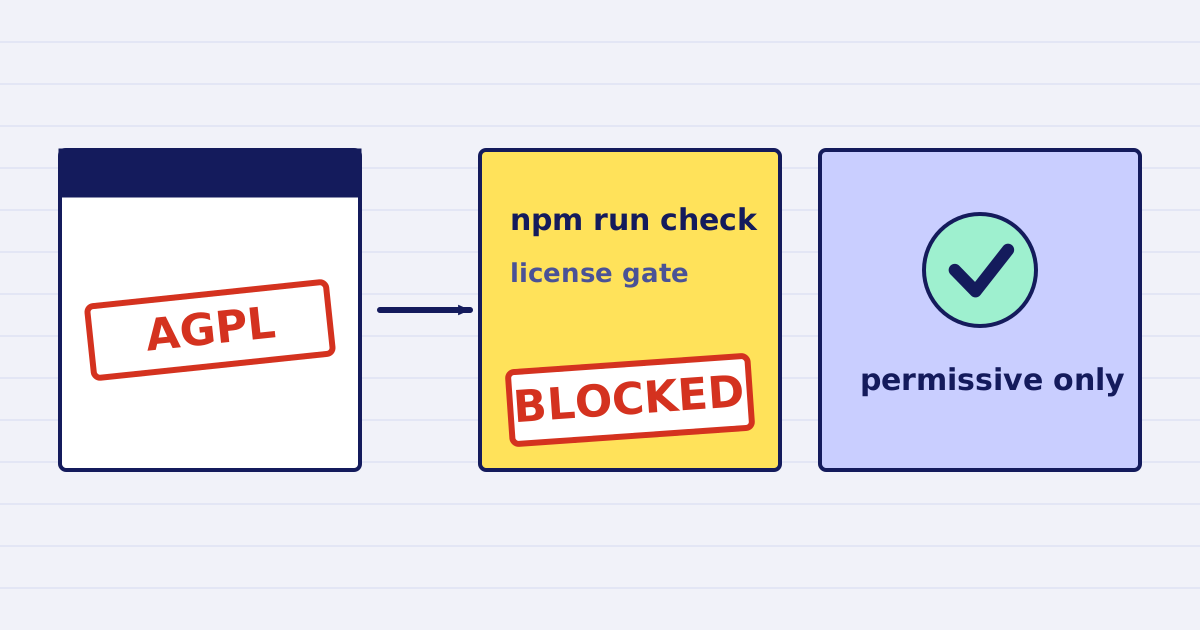
Ghostscript and MuPDF are AGPL-licensed. Here is what that license asks of a hosted API, and how our build blocks AGPL and GPL dependencies. -
JBIG2 can turn a 6 into an 8: why our default is lossless
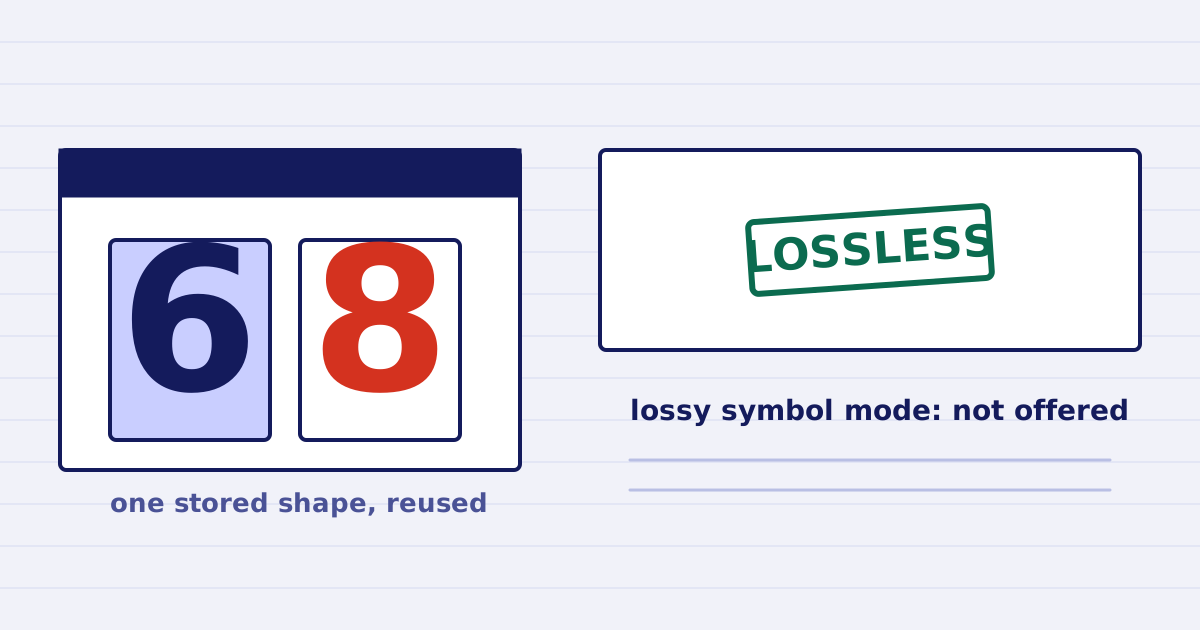
In 2013 a bug in Xerox copiers changed digits in scanned pages. Here is how pattern matching went wrong, and why our API defaults to lossless.