PDF.co pricing for a 59-page PDF, in dollars
PDF.co charges PDF compression in credits per page. We turn one 59-page photo report into dollars on its plans and compare it with our per-file price.
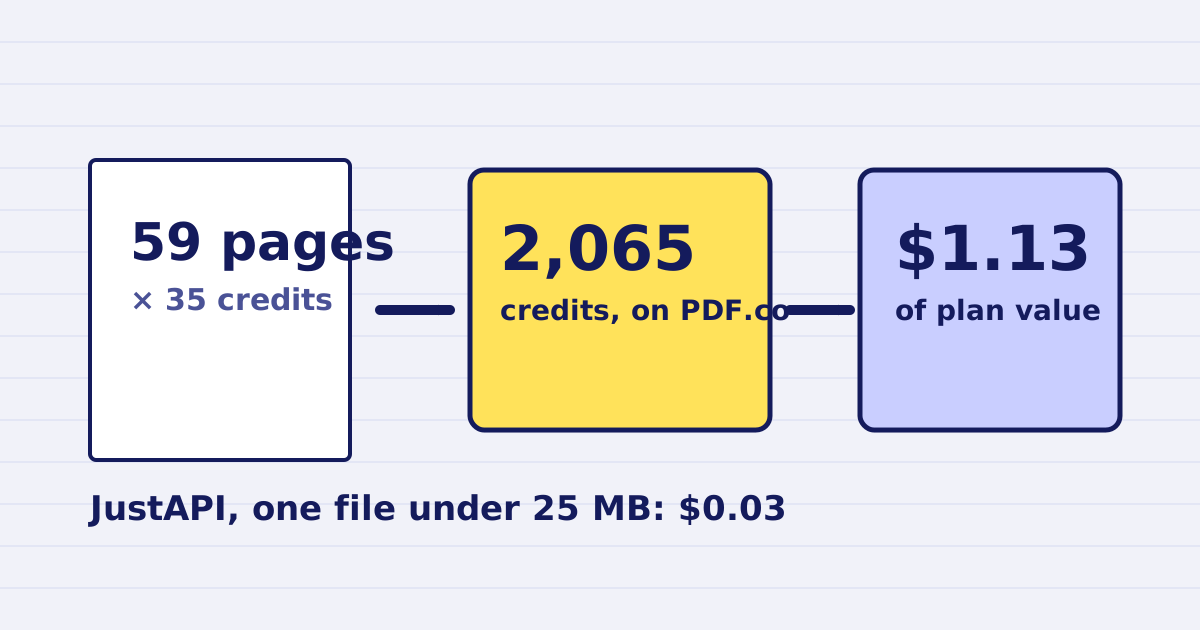
If you compare PDF APIs, you will meet credits. PDF.co sells a monthly allowance of credits, and each operation spends them by the page. Compressing a 59-page photo report uses 2,065 credits on PDF.co. On its Basic plan, that is about $1.13 of allowance. The same report, if it is under 25 MB, costs $0.03 with JustAPI at the first volume tier.
This article shows the arithmetic, the assumptions behind it and the cases where the other side is the better buy. We read PDF.co's public credit and pricing pages on 29 October 2026. Prices and credit rules change, so check both pages before you set a budget.
What PDF.co charges per page
PDF.co's developer documentation lists the credit cost of each function. The two that matter for this comparison are these:
| Operation | Credits | Basis |
|---|---|---|
Compress PDF (/v2/pdf/compress) |
35 per page | Endpoint credits times pages processed |
Merge PDFs (/v1/pdf/merge) |
2 per page | The same rule |
The documentation states the rule in one line: total credits equal the endpoint's credits multiplied by the pages processed. It also notes that estimates are calculated for sync mode and could differ in async mode. If you compare two services, ask which mode each price assumes.
The docs do not give a per-document price for compression. They give a per-page one. That is the root of the difference, because a page count keeps growing with the length of the document while a file price does not.
The plans behind the credits
PDF.co's pricing page lists plans with a monthly allowance. The Basic plan is $8.99 a month when billed annually, which is $107.89 a year, and it includes 16,500 credits a month. The top listed plan, Business 3, is $270 a month when billed annually, with 483,000 credits. Above that, the page offers an enterprise plan with no price shown. The monthly price shown on the page is tied to annual billing, and we did not find a separate monthly-billing price on the page we read.
These figures come from the page and are not a quote. Confirm the current plan and billing period on PDF.co before you rely on them.
The arithmetic for one 59-page report
The steps are short, and each one can be checked against the sources above.
- Credits for the file: 59 pages times 35 credits is 2,065 credits.
- Value of one credit on Basic: $8.99 divided by 16,500 credits is about $0.00054.
- Plan value of the job: 2,065 credits times $0.00054 is about $1.13.
- Allowance: 16,500 credits divided by 2,065 is about 8, so the Basic plan covers roughly eight 59-page compressions a month.
Step 3 is a plan value, not an invoice. You pay the plan price whether or not you use the credits, so the figure is the share of the plan a job consumes. If you use the whole allowance, that share is what each job costs you.
The table below applies the same method to other lengths. The values are rounded to the cent.
| Pages | Credits | Share of the Basic plan |
|---|---|---|
| 1 | 35 | $0.02 |
| 2 | 70 | $0.04 |
| 10 | 350 | $0.19 |
| 59 | 2,065 | $1.13 |
Our price for the same report
JustAPI prices PDF compression per file, by the size of the input, at the first monthly tier. A file up to 25 MB costs $0.030. A file from 25 MB to 200 MB costs $0.060. The number of pages does not change the price.
A 59-page report of 18 MB therefore costs $0.030 with us. The same report at 27 MB falls in the second band and costs $0.060. The table in the pricing rules guide lists both bands at every tier. Our price drops with volume. From the 1,001st file in a calendar month, the price is $0.025, and above 10,000 files it is $0.020 for files up to 25 MB.
The price is charged only when the work helps. A request that fails with a 4xx or 5xx response costs nothing, and so does a file that does not get smaller. The pricing page has the same rules in one place.
Where the comparison turns
Put the two side by side for a single file and the result depends on the length.
- At one page, the Basic plan's share is about $0.02, which is less than our $0.03.
- At two pages, the share is about $0.04, which is more than our $0.03.
- At 59 pages, the share is $1.13, against our $0.03.
For very short documents, the per-page model is cheaper. From the second page on, our per-file price for a file under 25 MB is the lower one, and the gap widens with every page. A photo report, an inspection file or a contract with many scanned pages sits well into the range where the per-file model wins.
Our price is also not the whole story for large files. A 59-page file of 27 MB costs $0.060 with us, which is still well below the Basic plan's share for the same pages. Compare on the size band your files actually fall into, not on the one you hope for.
Volume changes the answer
The per-page model scales with pages, so monthly volume shows the difference clearly. These examples use the 59-page report.
- 100 reports a month. That is 206,500 credits. The Basic plan's 16,500 credits are not enough, so the next plan up is needed. Business 2 offers 159,850 credits, which is also short. Business 3 offers 483,000 credits for $270 a month on annual billing. With us, 100 files under 25 MB cost $3.00 at the first tier.
- 500 reports a month. That is 1,032,500 credits, which is more than the largest plan listed on the page, at 483,000 credits. The page then offers an enterprise plan without a price. With us, 500 files under 25 MB cost $15.00 at the first tier, because every one of them is still within the first 1,000 files of the month.
We do not know what PDF.co's enterprise plan costs, so the comparison stops at the largest listed plan. The point of the example stands. Under the per-page model, a large monthly volume of long documents moves quickly into custom pricing.
What the comparison leaves out
PDF.co offers a broad set of document functions, far beyond compression. If you use several of them on the same account, one plan may cover more work than the compression numbers suggest. Our service does compression, merging and a free analysis step, and nothing beyond those in this comparison. If you need the wider set, the PDF.co alternative page explains where we differ, including the parts where PDF.co is the better fit.
Speed and output quality are separate questions. Credits say nothing about whether the file is legible at the size your reader uses, and the price says nothing about how well a document survives compression. Test a few real files on both services and compare the output at the size it will be read. The photo report guide describes how to judge legibility, and the email guide covers attachment limits.
Finally, the credit model and our per-file model suit different buyers. A monthly allowance suits a team that wants a fixed budget and uses the allowance evenly. A per-file price suits a workflow whose volume goes up and down, because you pay for the files you send in that month and not for allowance you did not use.
When PDF.co is the better buy
- You already use PDF.co for other functions and have credits left over.
- You need a function that JustAPI does not offer.
- Your documents are one or two pages long, and you use the whole Basic allowance.
- You want a single vendor for many document tasks, and the monthly plan is part of your budget.
When JustAPI is the better buy
- Your documents are long, so the per-page cost grows with every page.
- Your volume varies from month to month, and you want to pay for the files you send.
- You want to start small. Every new account gets 1 USD of credit with no card, and deposits start at 5 USD.
- You want the price to fall as volume grows, without moving to a different plan.
How to check your own numbers
- Count the pages of each file you send, and note the median and the largest.
- For PDF.co, multiply the pages by 35, then compare the total with the plan's monthly credits.
- For JustAPI, find the size band of each file. Files up to 25 MB are $0.030 each at the first tier, and files from 25 MB to 200 MB are $0.060.
- Multiply by your expected monthly files and add any other operations you run, such as merges.
- Run a sample of real files through both services and compare the output size and legibility.
The pricing page has a calculator for the second step, and the PDF compression API page lists every option. Once you have your own numbers, the comparison is short: count your pages and sizes, then choose the model that fits them.
Keep reading
-
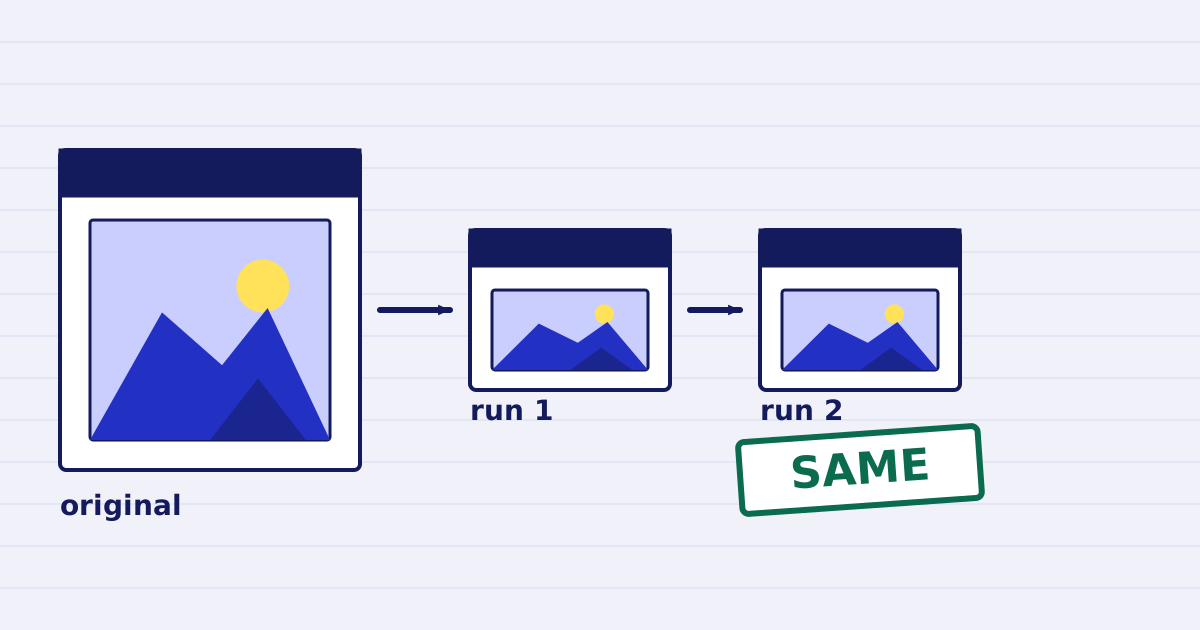
Compress a PDF twice: the second run returns the same bytes
A second compression run skips images that are already at target, so the file comes back unchanged. We measured it, and the case where it does more work. -
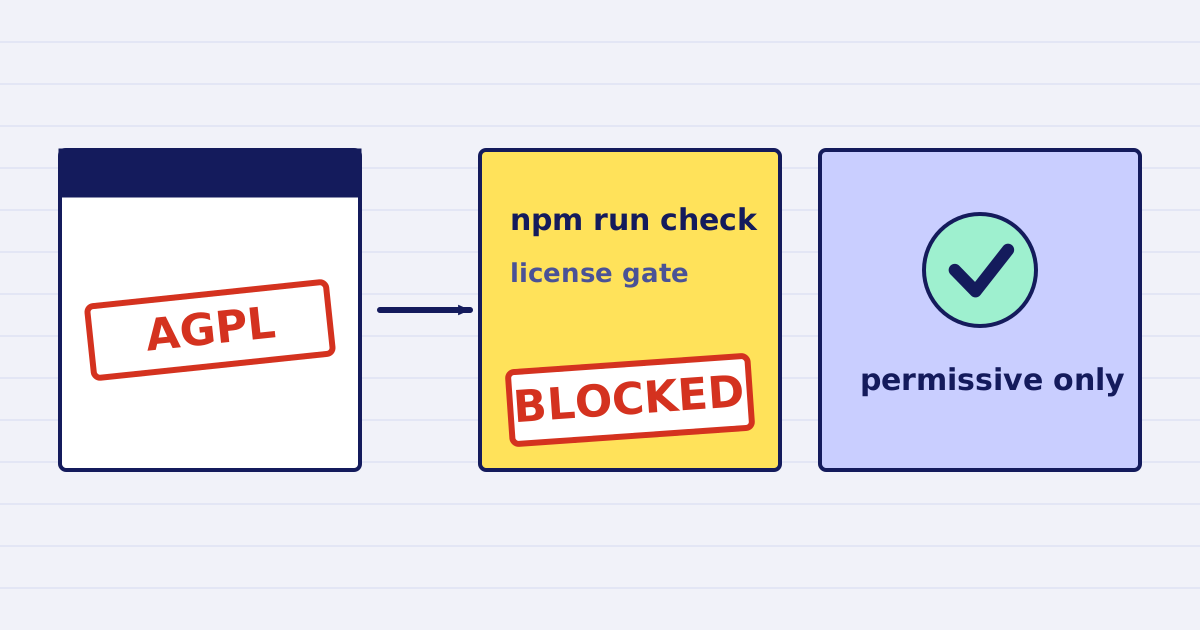
Why our PDF pipeline avoids Ghostscript and MuPDF
Ghostscript and MuPDF are AGPL-licensed. Here is what that license asks of a hosted API, and how our build blocks AGPL and GPL dependencies.