Idempotency-Key for file APIs: how retries avoid a double charge
Send an Idempotency-Key with every POST. The same key and body return the first response and are not charged again within 24 hours.
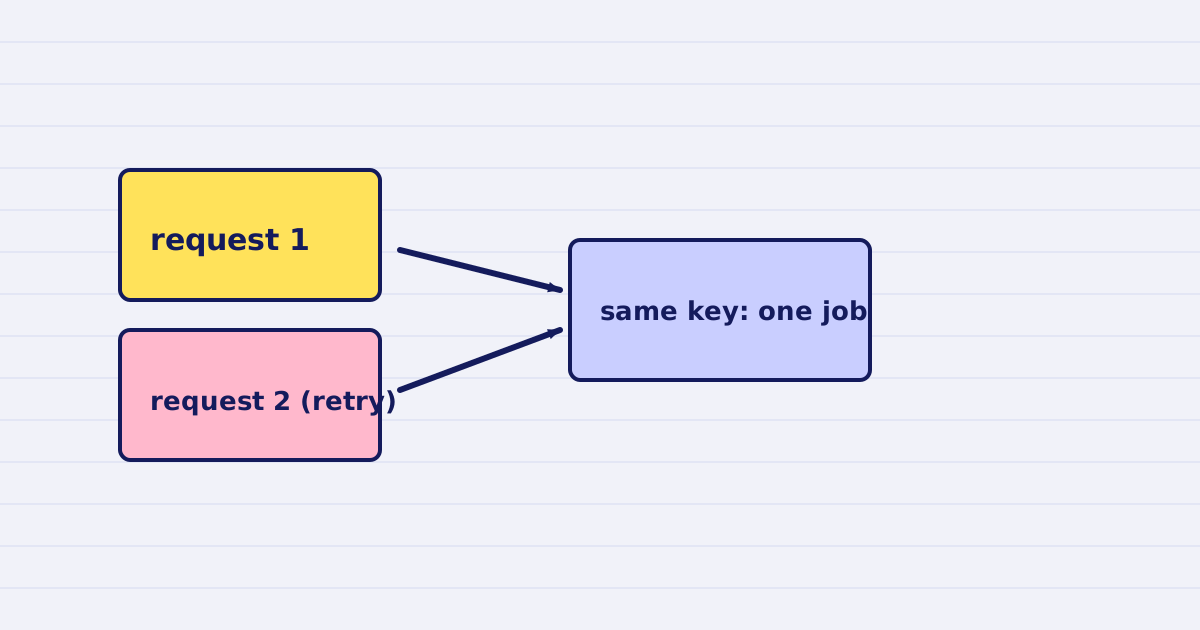
Send an Idempotency-Key header with every POST. The same key with the same body returns the first response and is not charged again, for 24 hours.
Workflow tools retry. A request can time out on your side even when it reached our server, and the workflow then sends it again. Without a key, the second request runs the job again, and you pay for the file twice.
This guide explains how the key works, how to generate it, and what to do with a 409.
What the key does
- The first request with a key runs the job and returns its response.
- The same key with the same body, within 24 hours, returns that original response. It does not run the job again, and it does not charge again.
- The same key with a different body returns
409 idempotency_conflict. The request is not run.
The key is optional. We recommend it on every POST.
Send it as a header
curl https://api.justapi.tech/v1/pdf/compress \
  -H "Authorization: Bearer YOUR_API_KEY" \
  -H "Content-Type: application/json" \
  -H "Idempotency-Key: 6f1c9a52-8d3e-4b7a-9d2e-2c1f0a6b7e10" \
  -d '{ "source": { "url": "https://files.example.com/report.pdf" } }'
Some endpoints also accept the key in the body as idempotency_key. The header and the body field mean the same thing. If you send both, the body wins.
Where the key comes from
Generate the key once per logical job, not once per HTTP attempt.
- Good: a UUID created when the user clicks "compress", stored with that job, and reused on every retry.
- Bad: a new UUID inside the request step. Each retry gets a new key, so each retry runs the job again.
In Bubble and n8n, put the key in a field that the workflow keeps across retries. If the field is empty on retry, the workflow has lost the key.
What the 409 means
A 409 means you reused a key with a different request. Usually this is a bug in your code, for example a counter that changed the body.
Fix it by creating a new key for the new request. Do not retry with the same key and a new body.
The 24-hour window
The key covers 24 hours. After that window, the same key with the same body can run again. If you retry a job that is older than a day, generate a new key and check first that the earlier job did not finish.
Test it
- Send a compress request with key
Kand bodyB. Note the job ID. - Send the same request again with
KandB. You should get the same job ID back, and your credits should not change. - Send
Kwith a different body. You should get a409.
If step 2 creates a second job, the key is not reaching the server. Check the header name and that your tool does not drop it on retry.
Next step
Set the key in every workflow step that makes a paid call. Then test one retry by hand, as in the three steps above, before you turn the workflow on for users.
Keep reading
-
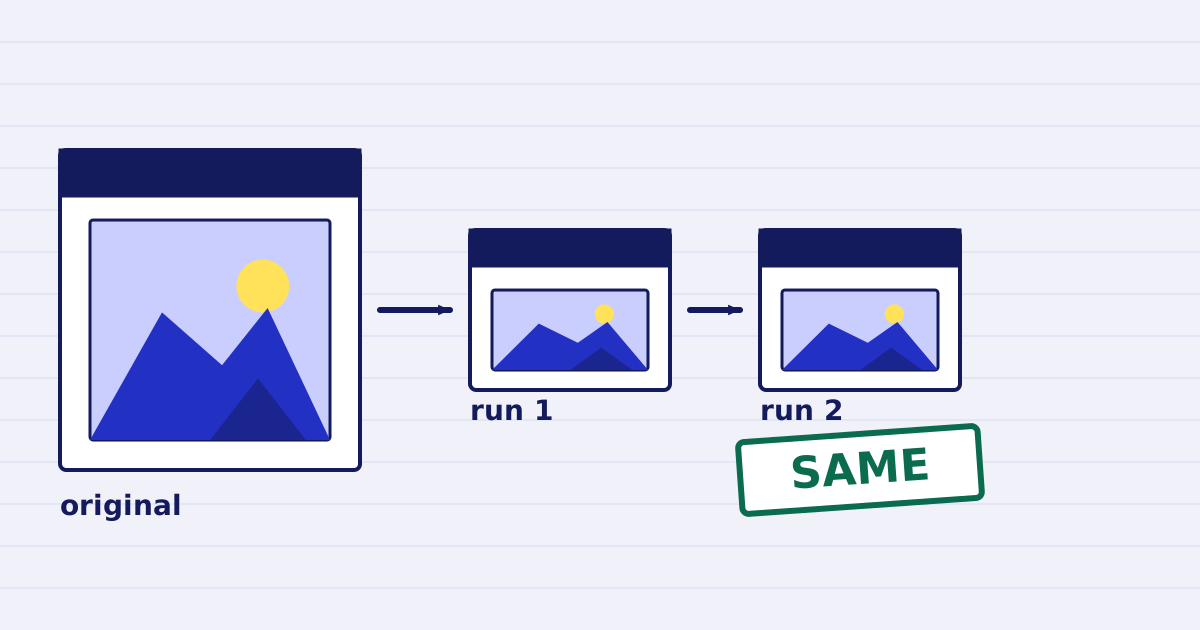
Compress a PDF twice: the second run returns the same bytes
A second compression run skips images that are already at target, so the file comes back unchanged. We measured it, and the case where it does more work. -
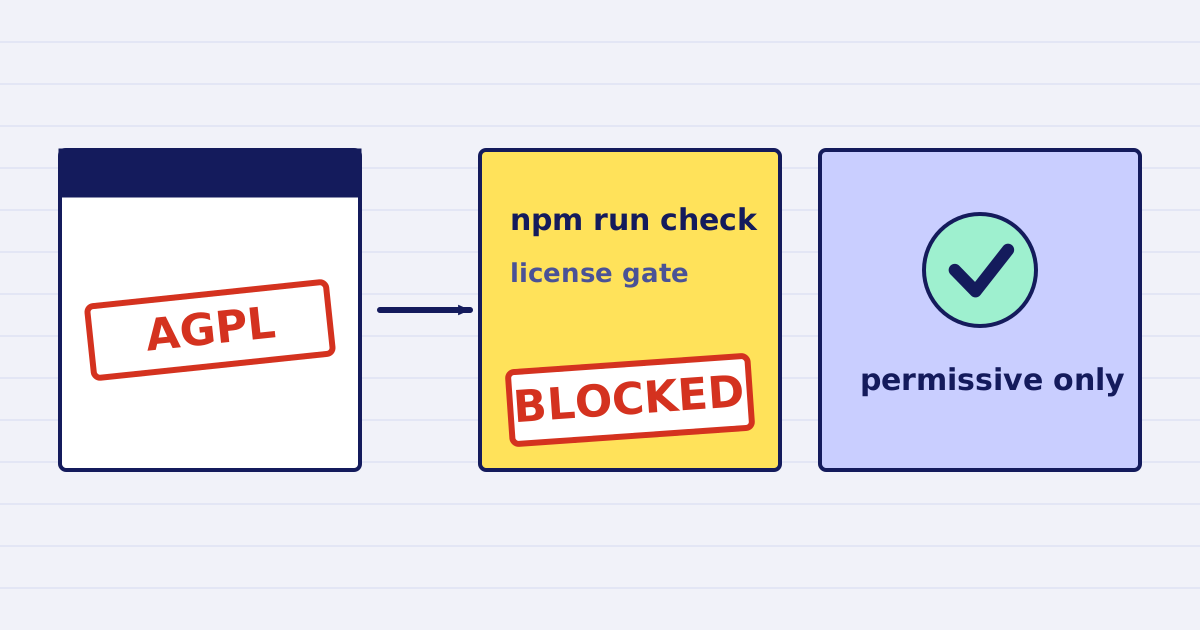
Why our PDF pipeline avoids Ghostscript and MuPDF
Ghostscript and MuPDF are AGPL-licensed. Here is what that license asks of a hosted API, and how our build blocks AGPL and GPL dependencies.