Analyze a PDF before you pay to compress it
Use the free analyze endpoint to see which profile fits your PDF, its quality cost, and its output size before a paid job.
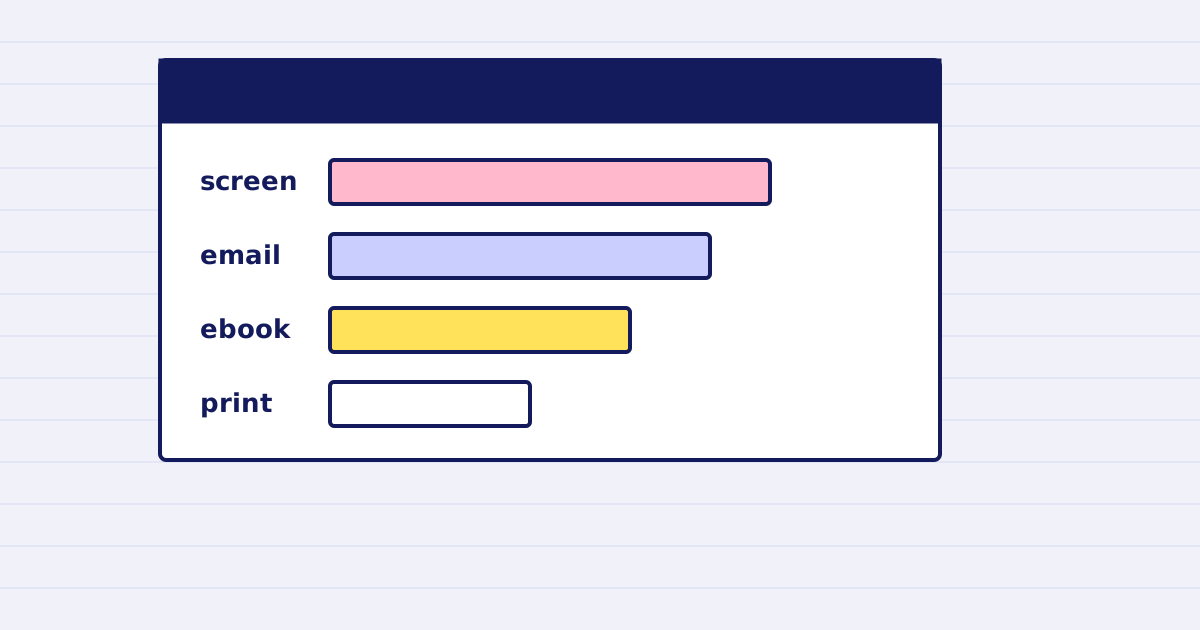
Call POST /v1/pdf/analyze first. It is free, it parses the file without re-encoding it, and it tells you what each compression profile costs in quality.
Most PDFs are not large for the same reason. A scanned contract is mostly images. A brochure is mostly fonts. A report with tables is mostly text and structure. The right compression depends on which one you have.
This guide shows how to read the analysis and pick a profile before you spend credits.
Why analyze first
Compression is a guess until you measure the file. Two PDFs of the same size can shrink by very different amounts. One might drop by 90% on a low-quality profile. Another might barely move.
The analyze call answers three questions:
- What is inside the file: images, fonts, content, or structure.
- How much each profile would reduce it.
- What you give up in exchange.
It does not change the file. It does not charge.
What the response contains
The response has the file facts first. Then it has one block per profile.
{
  "bytes": 52428800,
  "base64_chars": 69905068,
  "pages": 250,
  "pdf_version": "1.7",
  "composition": { "images": 0.991, "fonts": 0.004, "content": 0.003, "structure": 0.002 },
  "profiles": {
    "screen": { "bytes": 3145728, "ratio": 0.94, "quality_risk": "high" },
    "email":  { "bytes": 6291456, "ratio": 0.88, "quality_risk": "low" },
    "ebook":  { "bytes": 10485760, "ratio": 0.80, "quality_risk": "none" },
    "print":  { "bytes": 31457280, "ratio": 0.40, "quality_risk": "none" }
  }
}
The numbers above come from the example in our API contract. Your file will give different numbers.
Read the fields in this order:
compositiontells you where the bytes are. Ifimagesis near 1.0, image settings decide the result.bytesunder each profile is the expected output size.quality_risksays what the profile costs.nonemeans no visible loss is expected.highmeans you should check the output.
Pick the profile by rule, not by feel
Write the rule down before you call the API. For example:
- Email attachment under 6 MB, and
quality_riskoflowornone. - Print output, and
quality_riskofnone, whatever the size.
Then choose the first profile in your list that meets the rule. If no profile does, the file needs a different approach. Split it, or send a link instead of an attachment.
Then run the paid job
After you pick a profile, call the compression endpoint with a size target. Set the target in the unit your destination uses:
max_size_mbfor a file size in bytes.max_base64_bytesfor the length of the base64 text, which is what an email body or an API field counts.
You are not charged for a request we reject, for an error on our side, or for a compression that cannot make the file smaller. The pricing page lists the exact rules.
Limits of the analysis
- The analysis predicts. The compressed file is the only proof of its size.
- A low
quality_riskis an expectation about the profile, not a check on your pages. Open the output before you send it to anyone. - The analysis reads one file. A batch of files needs one analysis per file if their content differs.
Next step
Run the analysis on one real file from your workflow. Compare the expected size with the output of the paid job. If they differ by more than a few percent, keep the analysis result with the job ID so you can see the gap later.
See the PDF optimization reference for every parameter.
Keep reading
-
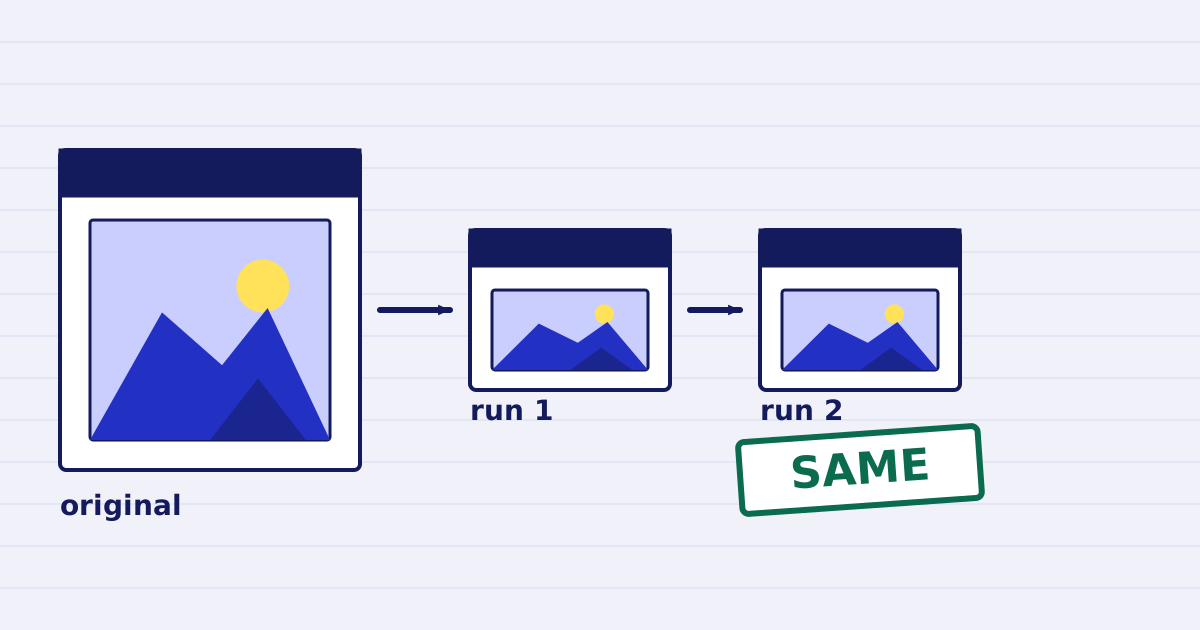
Compress a PDF twice: the second run returns the same bytes
A second compression run skips images that are already at target, so the file comes back unchanged. We measured it, and the case where it does more work. -
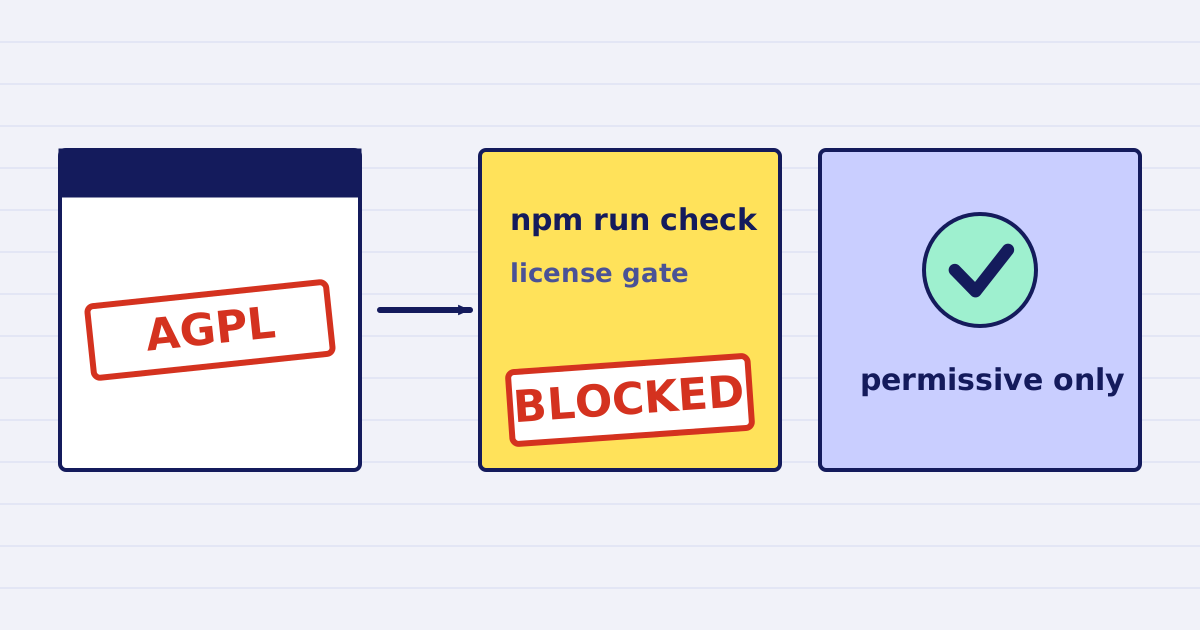
Why our PDF pipeline avoids Ghostscript and MuPDF
Ghostscript and MuPDF are AGPL-licensed. Here is what that license asks of a hosted API, and how our build blocks AGPL and GPL dependencies.