Tag each job with metadata and match results to your records
Send a metadata object with each job. We echo it back in the response and in the webhook, so you can match each result to your own record without a lookup table.
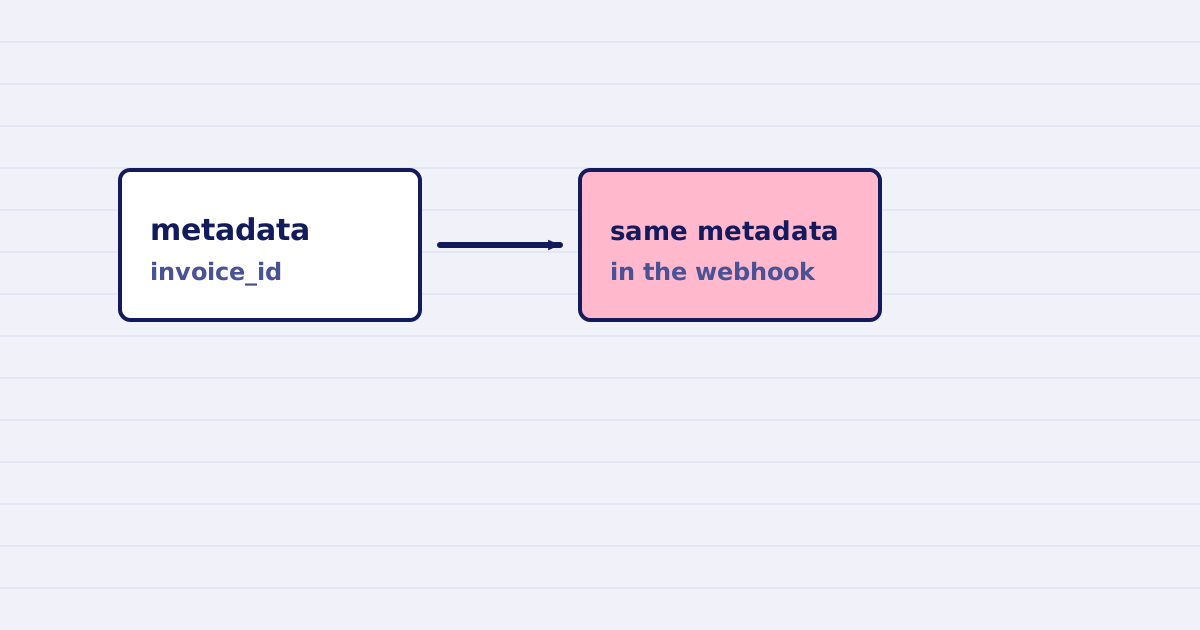
Send a metadata object with each job. We return the same object in the response and in the webhook, so you can match a result to your own record. The object can be up to 8 KB.
A job ID tells you nothing about your data. Your app needs to know which invoice, customer, or upload a result belongs to. Store that link in metadata when you create the job, then read it back when the result arrives.
Send it
{
  "source": { "url": "https://files.example.com/report.pdf" },
  "metadata": { "invoice_id": "INV-2026-0412", "customer": "cus_19" },
  "webhook": { "url": "https://your-app.example.com/hooks/jobs" },
  "mode": "async"
}
The keys and values are yours. Use names your own system already uses.
Read it back
The response to the job and the webhook body both carry the same metadata. Match on it in your handler:
export async function handleJobCompleted(event) {
  const { invoice_id } = event.metadata;
  await saveCompressedFile(invoice_id, event.result.url);
}
Check the X-Webhook-Id as well. The webhook guide explains why a webhook can arrive twice.
The limit
- The
metadataobject can be up to 8 KB in size. A larger object is rejected. - Store large data in your own system. Put only an identifier in
metadata.
Do not put secrets in metadata
We echo the object back in the response and the webhook. Do not put API keys, passwords, or personal data in it. Use an ID that only your system can resolve.
Test it
Send one job with a unique invoice_id. Confirm the same value comes back in the webhook. Then check that your handler saves the result under the right record.
Next step
Add metadata to every job in your workflow, and make it the key your database uses for results.
Keep reading
-
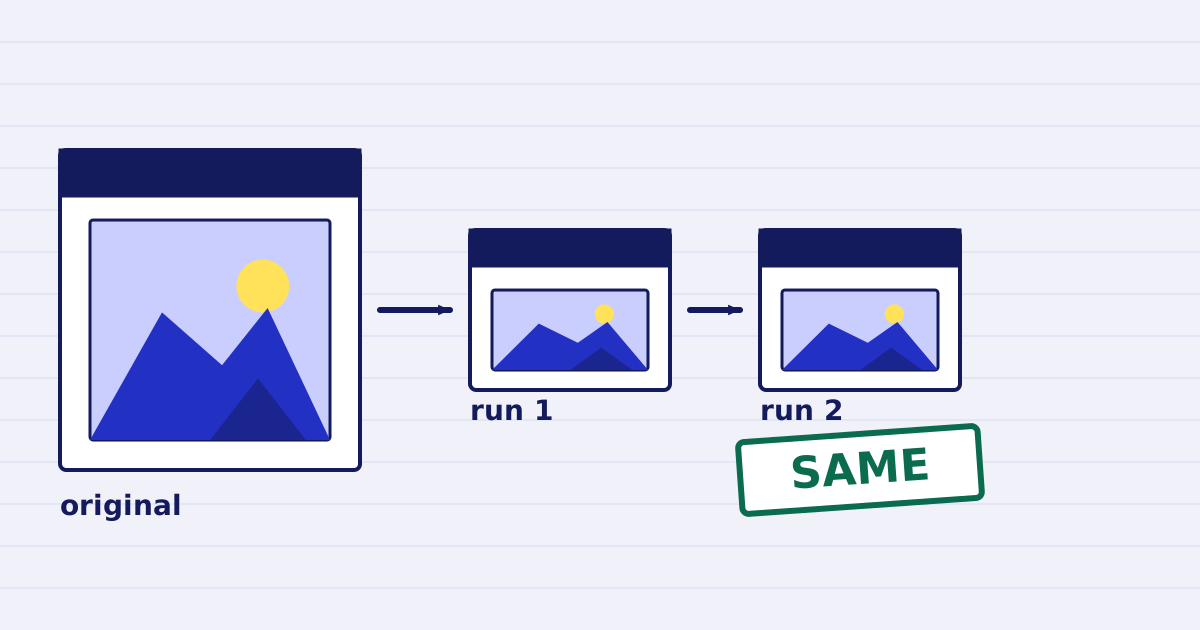
Compress a PDF twice: the second run returns the same bytes
A second compression run skips images that are already at target, so the file comes back unchanged. We measured it, and the case where it does more work. -
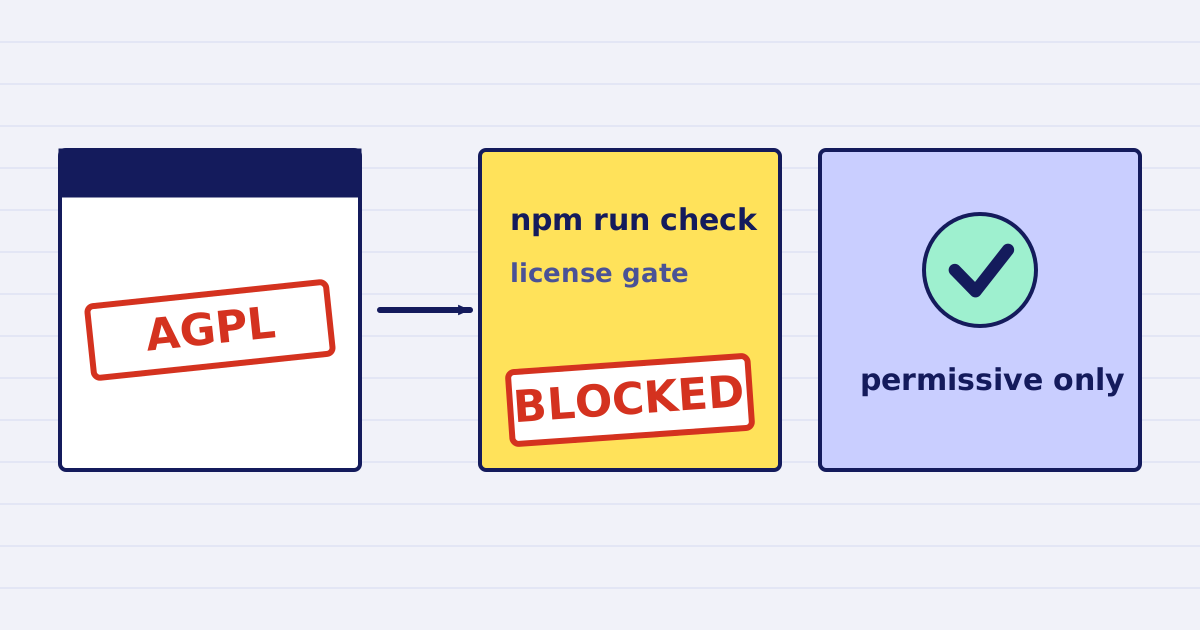
Why our PDF pipeline avoids Ghostscript and MuPDF
Ghostscript and MuPDF are AGPL-licensed. Here is what that license asks of a hosted API, and how our build blocks AGPL and GPL dependencies.