Webhooks can arrive twice: deduplicate by X-Webhook-Id
Our file API sends webhooks at least once. Store each X-Webhook-Id, verify the signature, and your job handler runs once per event even when the retry arrives.
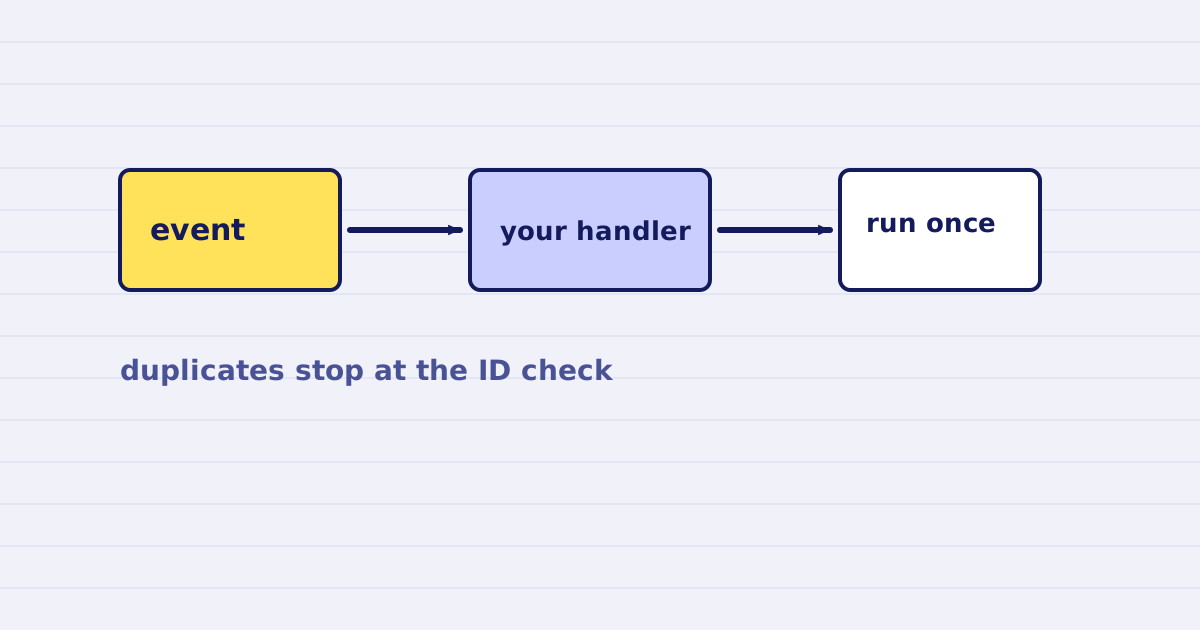
Our webhooks are delivered at least once. The same event can arrive twice. Deduplicate on the X-Webhook-Id header before you run any side effect.
Most webhook bugs in file processing are duplicates, not missing events. A delivery times out on your side, we retry it, and your workflow runs again. If that run sends an email or writes a row, the user sees it twice.
This guide shows the headers, the signature check, and a handler that runs once per event.
When a webhook is sent
You ask for a webhook when you start an async job. The job runs in the background, and we call your URL when it ends with job.completed or job.failed.
Async jobs need the mode set to async. A webhook without that mode is rejected with a 400.
The headers
Each delivery carries these headers:
X-Webhook-Id:        wh_01JBX…
X-Webhook-Timestamp: 1758205321
X-Webhook-Signature: v1=<hex HMAC-SHA256 of "{timestamp}.{body}">
X-Webhook-Idis the same for every retry of the same event. Use it as the deduplication key.X-Webhook-Timestampis when we signed the body. Reject old timestamps to block replays.X-Webhook-Signatureis an HMAC over the timestamp and the raw body. Check it with the secret from your webhook settings.
Some integrations, such as the Bubble connector, use a bearer token instead of the HMAC signature. The deduplication rule is the same for both.
Retries
If your endpoint does not answer with a success status, we retry. The schedule is 1 minute, then 5 minutes, 15 minutes, 1 hour, and 6 hours. After the last retry we stop.
A retry sends the same X-Webhook-Id. A timeout on your side can also cause a delivery you already processed. Both cases look the same to your handler.
The handler
Store the ID in a table with a unique constraint. Insert first, then run the side effect only if the insert succeeded.
export async function handleWebhook(req, db) {
  const id = req.headers["x-webhook-id"];
  const ts = Number(req.headers["x-webhook-timestamp"]);

  if (Math.abs(Date.now() / 1000 - ts) > 300) {
    return { status: 400 };
  }
  if (!verifySignature(req.rawBody, ts, req.headers["x-webhook-signature"])) {
    return { status: 401 };
  }

  // The unique constraint on webhook_id makes this insert the lock.
  const inserted = await db.query(
    "insert into webhook_events (webhook_id) values ($1) on conflict do nothing returning webhook_id",
    [id]
  );
  if (inserted.rowCount === 0) {
    return { status: 200 }; // already handled
  }

  await finishJob(req.body.job_id, req.body.event);
  return { status: 200 };
}
Two details matter here:
- Check the signature against the raw body. A parsed and re-serialized body can differ from what we signed.
- Return
200for a duplicate. A non-200 makes us retry again.
Why the insert comes first
If you run the side effect and then insert the ID, a crash between the two steps runs it twice on retry. Inserting first means a crash loses the event before anything is sent. Choose the order based on which failure you can recover from. For emails and charges, a lost event is easier to fix than a duplicate.
Test it
Send the same event twice with the same X-Webhook-Id. Check that the side effect runs once and the second call returns 200. Then change the body and keep the ID. Your signature check should fail.
Next step
Read the API contract for the full webhook payload, and set up one test job with a webhook URL in a staging workflow before you connect production.
Keep reading
-
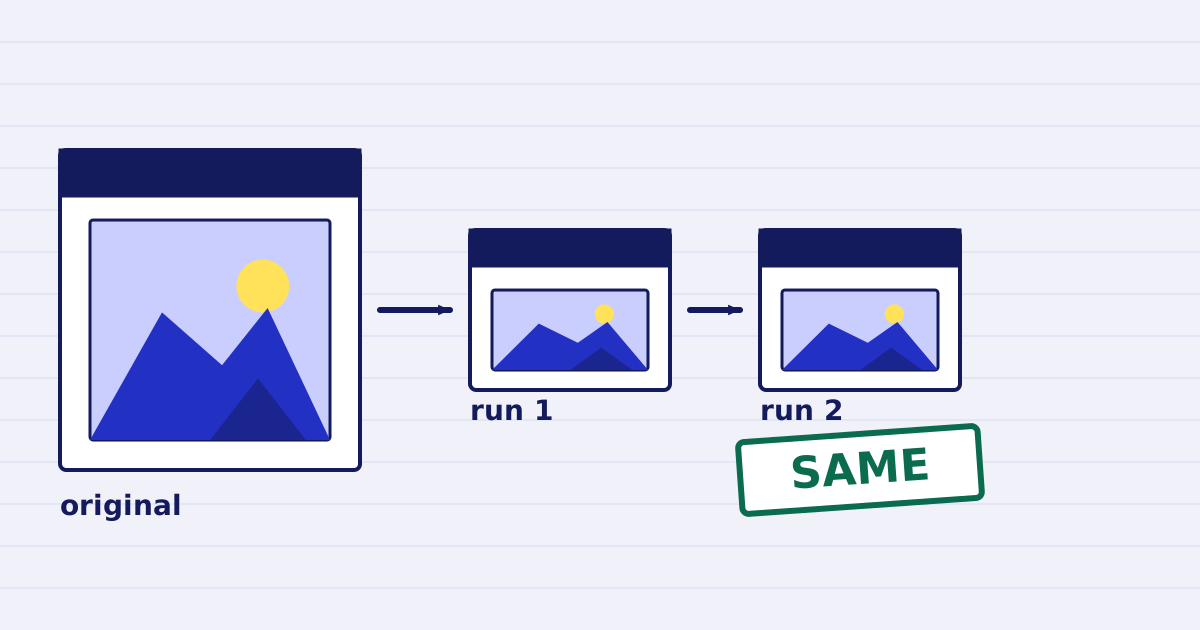
Compress a PDF twice: the second run returns the same bytes
A second compression run skips images that are already at target, so the file comes back unchanged. We measured it, and the case where it does more work. -
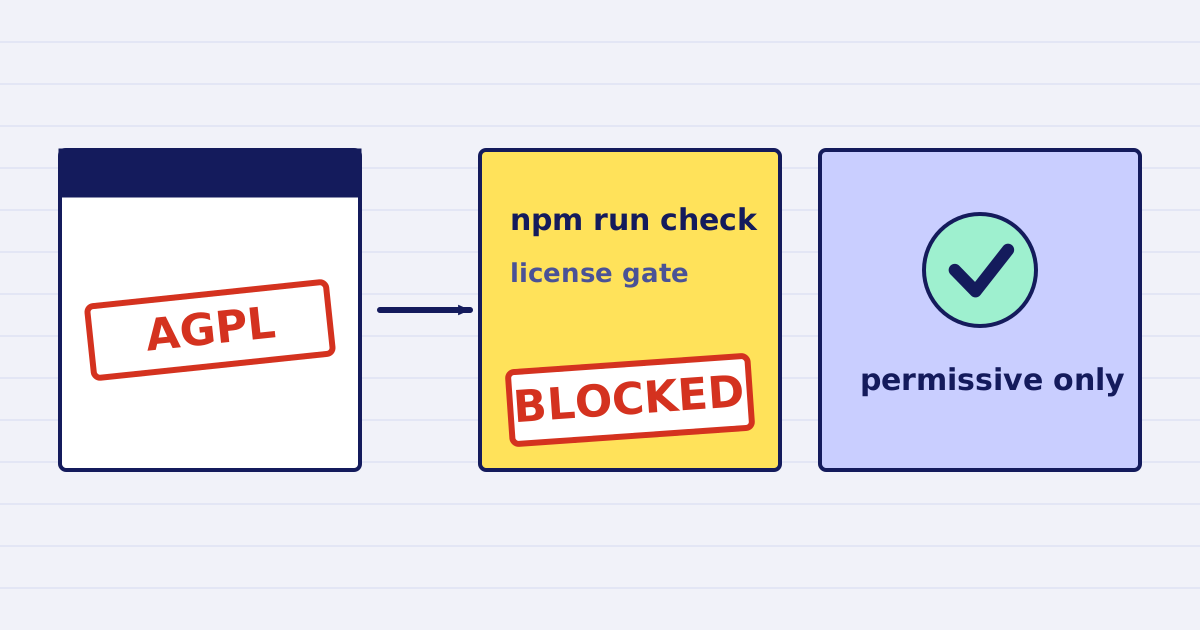
Why our PDF pipeline avoids Ghostscript and MuPDF
Ghostscript and MuPDF are AGPL-licensed. Here is what that license asks of a hosted API, and how our build blocks AGPL and GPL dependencies.