Free online PDF compression: 5 MB, no account, five tries a day
Compress a PDF of up to 5 MB in your browser without an account. The free tool allows five tries a day per IP, one try every 10 seconds, and never charges.
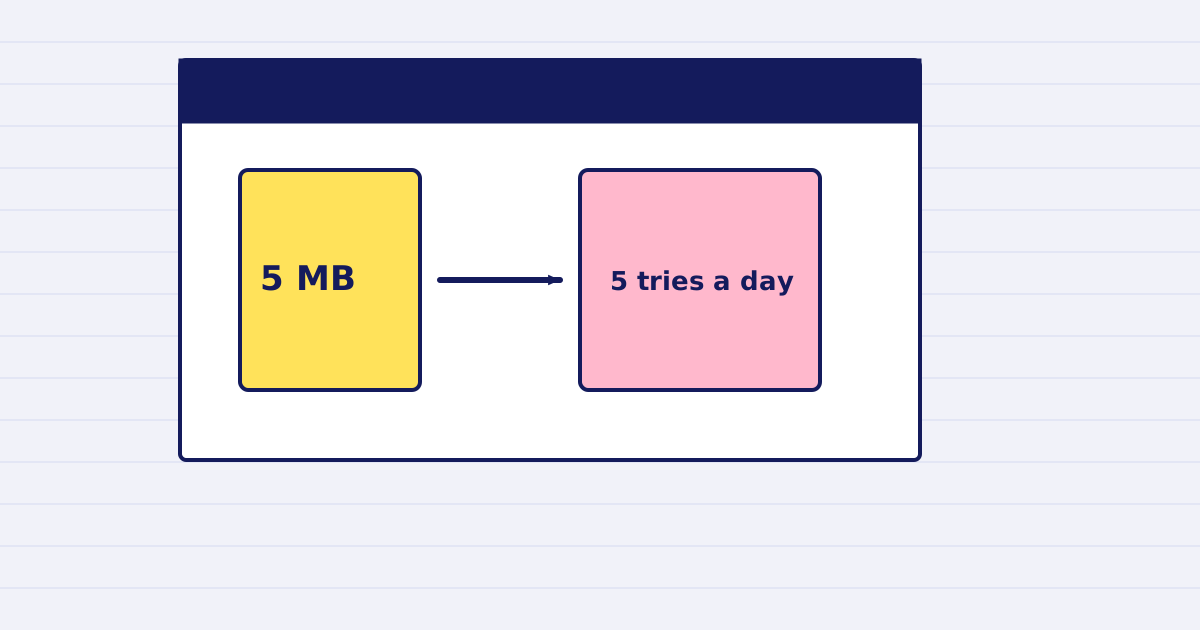
You can compress a PDF of up to 5 MB on the free tool on our website, with no account and no API key. You get five tries per day from your address, and the tool never charges you.
Some PDFs are too large for an email or a form, and you need one smaller file today. The free tool does that job. It uses the same engine as our paid API, with limits that keep it free.
What the free tool accepts
- A PDF of up to 5 MB.
- The file sent as base64 from the page. Links to a remote file are not accepted in the free tool.
- No webhooks and no background jobs. You wait for the result on the page.
The limits
- Five uses per tool per day from your IP address. The day resets at midnight UTC.
- One try every 10 seconds. A failed try also counts toward that wait.
- Fifteen uses in total per day across all the free tools from one IP.
- A platform cap of 2,000 runs per tool per day. When the cap is reached for the day, the tool returns an error until the reset.
The page checks each try with Cloudflare Turnstile, a bot check. Complete it when the page asks.
What you get back
The result is a link to the compressed file. The link stays valid for one hour. Download the file during that hour, or compress the file again.
If the file does not get smaller, you are not charged, and you keep the original. The free tool never charges, so the billing field always shows zero.
When to use the API instead
Use the paid API when you need more than five tries a day, a file over 5 MB, batch jobs, or a call from your own code. The API needs an account and an API key. The pricing page lists the rules.
Next step
Open the free tool, compress one file, and check the output before you send it to anyone. For a file that has to go through an email provider, first read the base64 size guide.
Keep reading
-
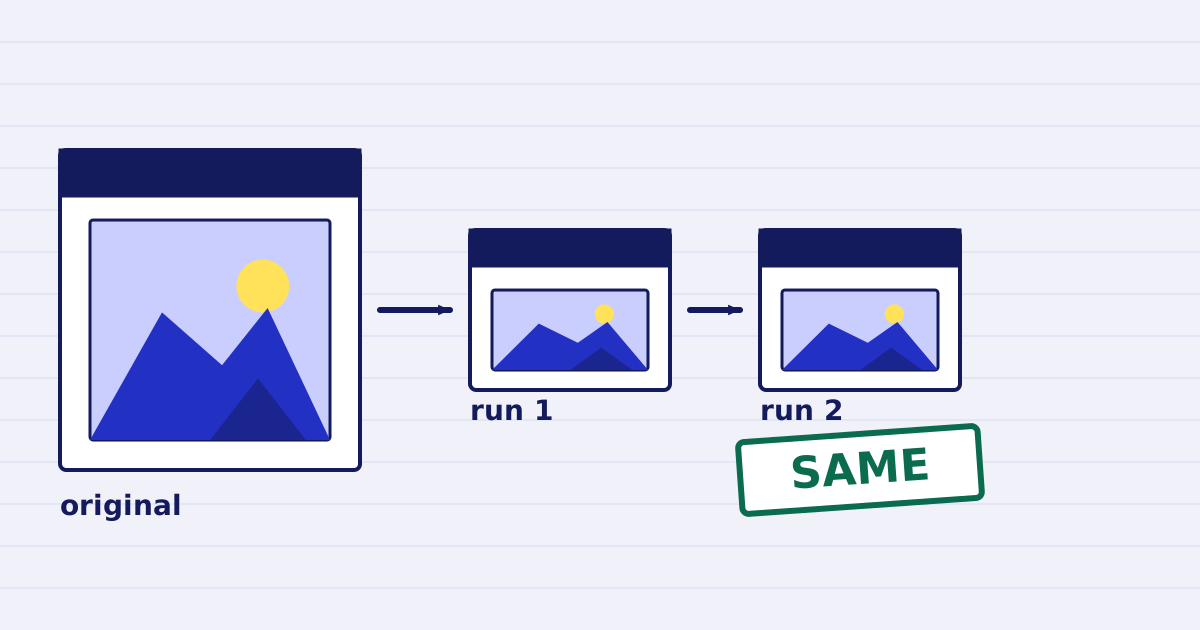
Compress a PDF twice: the second run returns the same bytes
A second compression run skips images that are already at target, so the file comes back unchanged. We measured it, and the case where it does more work. -
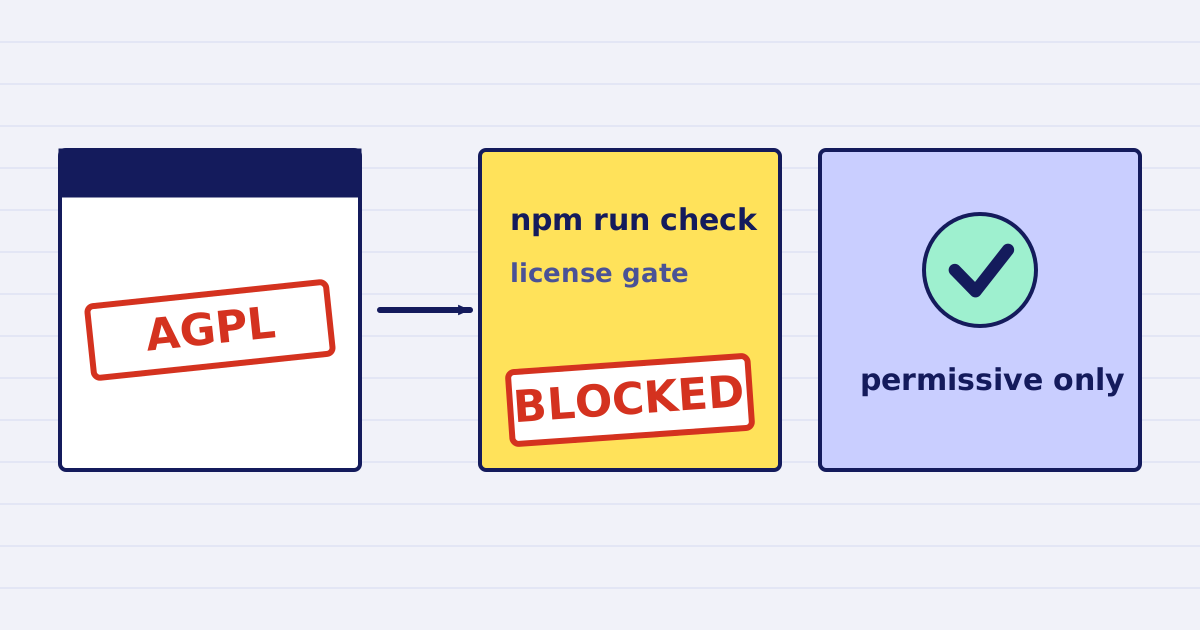
Why our PDF pipeline avoids Ghostscript and MuPDF
Ghostscript and MuPDF are AGPL-licensed. Here is what that license asks of a hosted API, and how our build blocks AGPL and GPL dependencies.