Base64 PDF size: the exact length of an email attachment
Base64 text is exactly 4 × ceil(bytes ÷ 3) characters. Count it, not the file, to check an email or webhook limit.
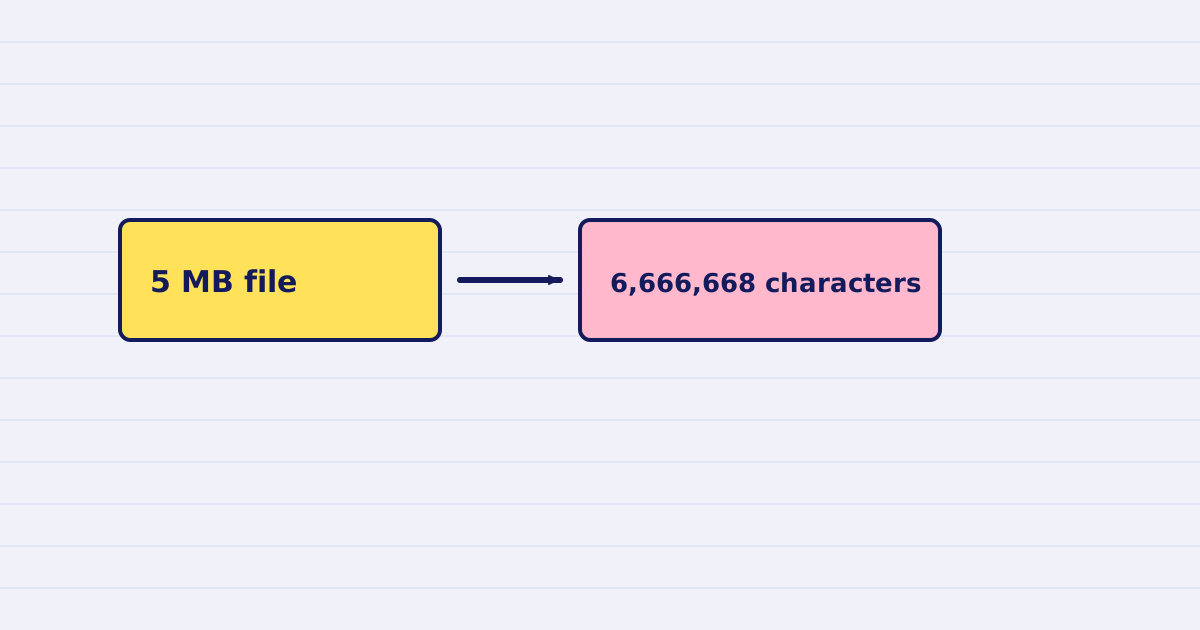
Base64 text is exactly 4 × ceil(bytes ÷ 3) characters long. A 5 MB PDF becomes 6,666,668 characters of text. Count the characters, not the file, when a provider sets a limit on the message.
Email providers, webhook receivers, and no-code tools often limit the request body. The limit applies to the encoded text. A 5 MB PDF is not a 5 MB attachment once it is base64.
This guide gives the formula, a table for common sizes, and how to fit a file under a limit with our API.
The formula
Base64 writes every three bytes as four characters. A partial group is padded, so the length is always a multiple of four:
base64 characters = 4 × ceil(bytes ÷ 3)
Two facts follow from that:
- The text is about 33% longer than the file, and never shorter.
- Two files of the same size always give the same text length, whatever is inside them.
Check the formula with any file you have:
echo $(( 4 * ( ($(stat -c %s file.pdf) + 2) / 3 ) ))
The number matches base64 -w0 file.pdf | wc -c. Use -w0, because without it the tool adds a line break every 76 characters and the count changes.
The table
| File size | Bytes | Base64 characters |
|---|---|---|
| 1 MB | 1,000,000 | 1,333,336 |
| 4 MB | 4,000,000 | 5,333,336 |
| 5 MB | 5,000,000 | 6,666,668 |
| 10 MB | 10,000,000 | 13,333,336 |
| 25 MB | 25,000,000 | 33,333,336 |
These sizes use decimal megabytes. If your limit is in mebibytes, multiply by 1,048,576 first.
Budget the whole message
The attachment is not the only text in the request. Add:
- the body of the message,
- the headers and the JSON or MIME wrapper around the attachment,
- any other attachment in the same message.
Keep a margin for those. Then compare the total with the limit of your provider. Check that limit in the provider's own documentation, because it changes between plans.
Let the API hit the target
Our compress endpoint can aim at a base64 length directly. Set max_base64_bytes to your budget for the attachment, in characters. The API then compresses toward that length, so you do not have to work backwards from the file size.
Base64 input to the endpoint is limited to files under 4 MB. For larger files, send a URL instead.
Check the result
After the job, read the length of the text you will send:
const b64 = result.base64; // only when output is "base64"
console.log(b64.length, b64.length <= budget);
If the length is over the budget, do not send it. Run the job again with a smaller target, or send a link instead of an attachment.
Next step
Put the budget in a constant in your workflow, next to the provider's limit, and check the length in one step before the email is sent. Then see the analyze guide to pick a profile that meets the target.
Keep reading
-
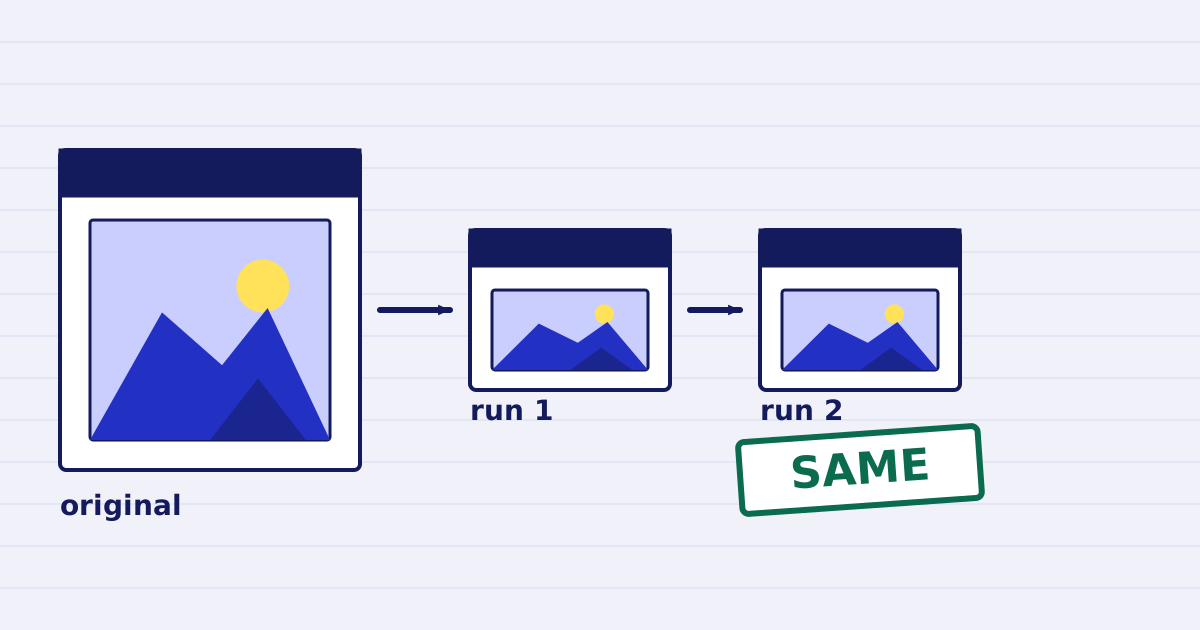
Compress a PDF twice: the second run returns the same bytes
A second compression run skips images that are already at target, so the file comes back unchanged. We measured it, and the case where it does more work. -
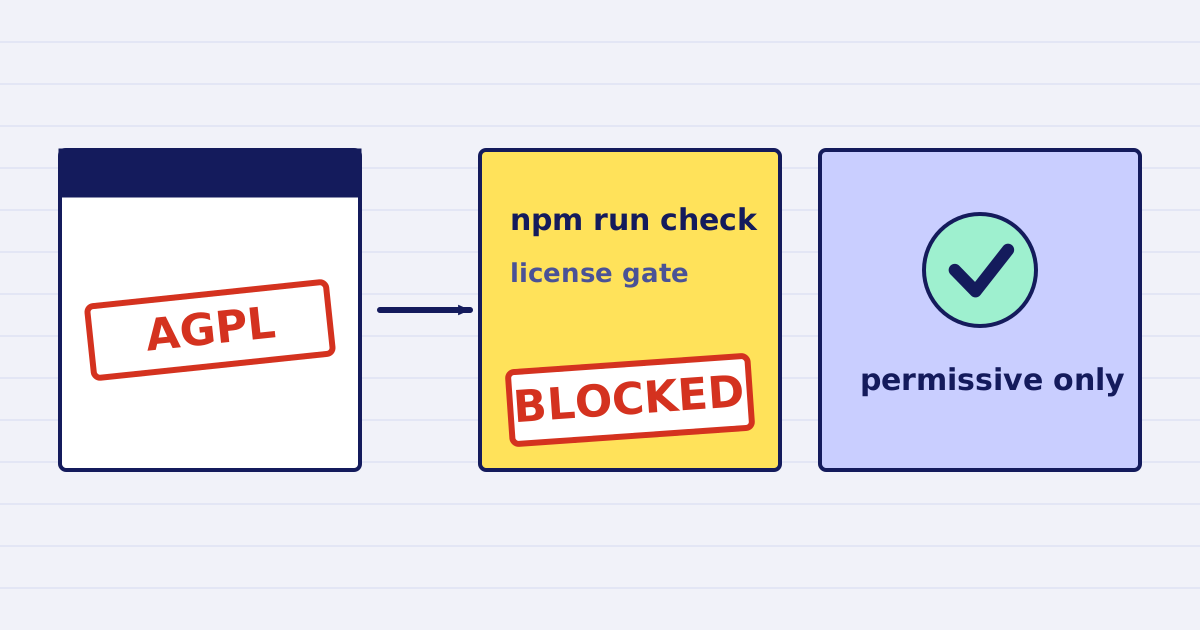
Why our PDF pipeline avoids Ghostscript and MuPDF
Ghostscript and MuPDF are AGPL-licensed. Here is what that license asks of a hosted API, and how our build blocks AGPL and GPL dependencies.