How long a compressed file stays downloadable
Result links expire: 1 hour on the free plan, 24 hours on standard, and 7 days on enterprise. Copy the file into your storage right away.
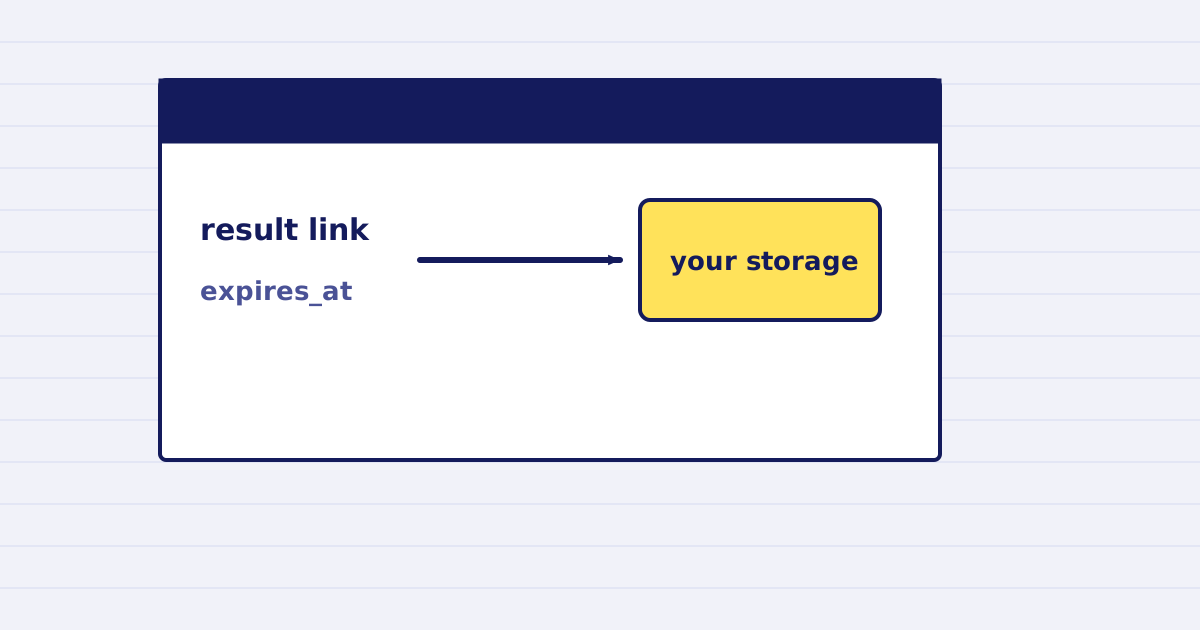
A result link from our file API is temporary. Retention is 1 hour on the free plan, 24 hours on the standard plan, and 7 days on enterprise. Download the file into your own storage right after the job ends.
Many integrations save the download URL in a database and open it weeks later. That works for a day. After that, the link returns 404 file_expired, and the user sees a broken attachment.
This guide explains the retention windows, the fields in the response, and a simple rule for storing the file.
The retention windows
| Plan | How long a result is kept |
|---|---|
| Free (trial credits) | 1 hour |
| Standard | 24 hours |
| Enterprise | 7 days |
These are the values in our API contract. Check the current plan table on the pricing page before you design a flow around them.
What the response tells you
A finished job returns the file location and its expiry. The values below are placeholders:
{
  "status": "ok",
  "url": "https://…/report-compressed.pdf",
  "expires_at": "2026-10-23T15:22:01Z",
  "bytes": 5347738
}
urlis a signed link. It works untilexpires_at, then it stops working.expires_atis a UTC timestamp. Store it next to the file, so you know when the link dies.- A request for an expired file returns
404with the codefile_expired.
The ttl_seconds option
Async jobs accept a result setting called ttl_seconds. It sets how long the result stays available, from 60 seconds up to 86,400 seconds (one day). The default is 3,600 seconds, one hour.
Set it to the time your workflow needs to download the file. A longer value does not help you if your plan keeps results for less time. Check the retention table above.
The storage rule
Download the result as soon as the job completes. The same handler that receives the webhook should copy the file.
- Receive
job.completed. - Download
urlwhile it is still valid. - Save the bytes to your storage, with the job ID as the key.
- Keep the job ID and your own storage link. Discard our
url.
If the copy fails, retry it right away. Do not wait until the user asks for the file.
What to do after a 404
A file_expired response means the file is gone from our side. You cannot recover it from us. Options:
- Run the job again with the same source, using a new
Idempotency-Key. Check first that the earlier job did not already finish and charge you. - If you saved the file yourself, serve it from your storage.
Test it
Create a job, let it finish, and then wait past the retention window for your plan. Request the old url. You should get 404 with file_expired. Then check that your own copy still opens.
Next step
Add the copy step to your webhook handler and store the job ID with the file. Then read the webhook guide for how to handle a delivery that arrives twice.
Keep reading
-
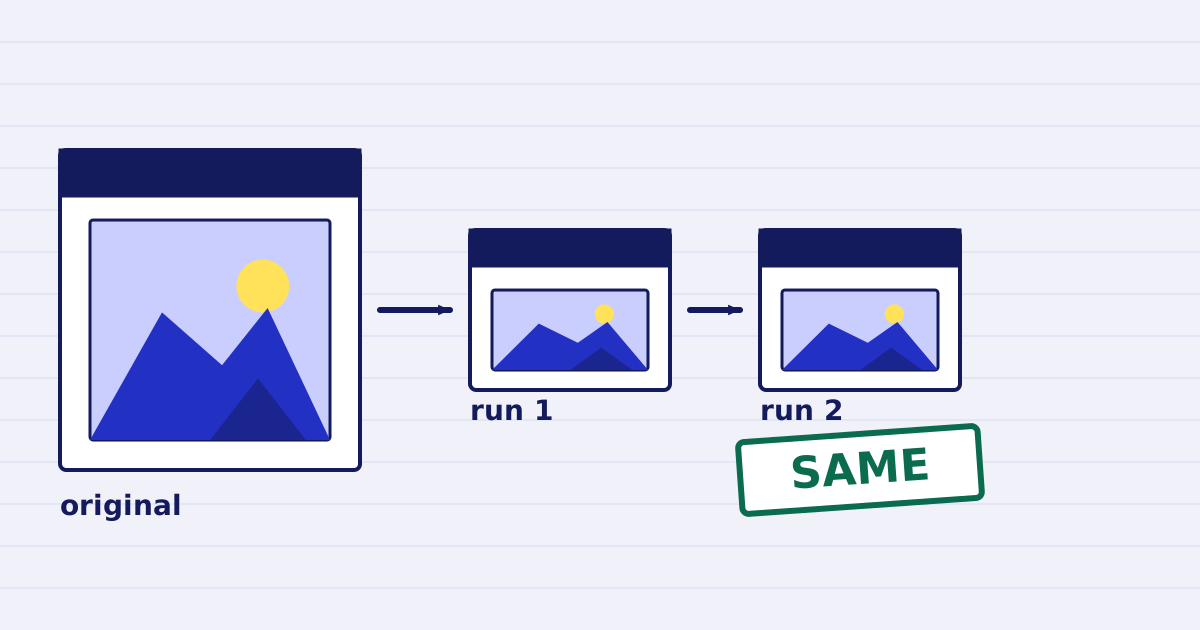
Compress a PDF twice: the second run returns the same bytes
A second compression run skips images that are already at target, so the file comes back unchanged. We measured it, and the case where it does more work. -
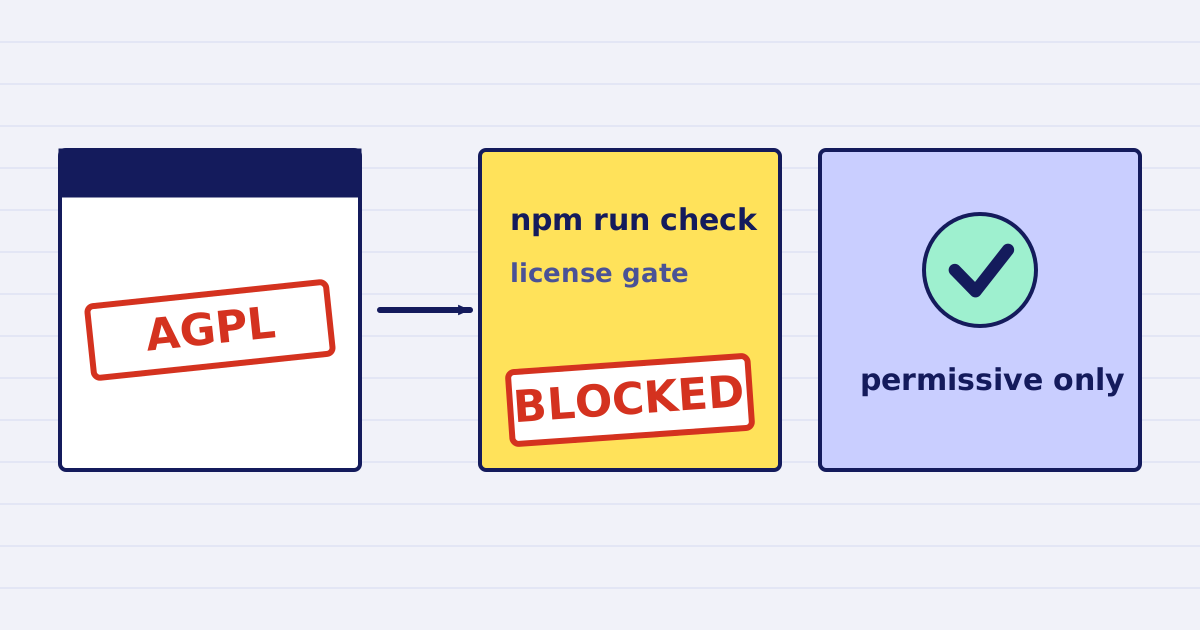
Why our PDF pipeline avoids Ghostscript and MuPDF
Ghostscript and MuPDF are AGPL-licensed. Here is what that license asks of a hosted API, and how our build blocks AGPL and GPL dependencies.