Batch image optimization: 250 photos in one API call
Optimize up to 250 images in one batch call. Read the per-image results, store each signed URL and pay only for the images that succeeded.
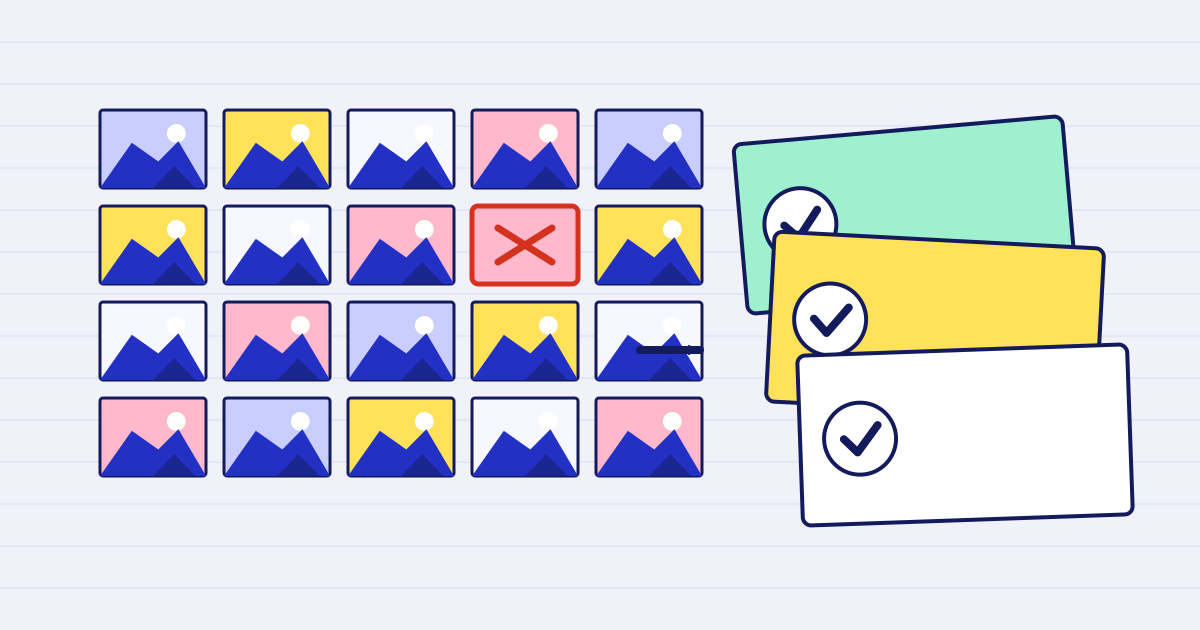
Optimizing one photo is a single request. Optimizing a gallery, a product catalogue or a day of inspection photos is a batch problem. You want one call, one set of options, a result for every image and no failed photo spoiling the rest.
The JustAPI image optimization API has a batch endpoint for that. This article shows the request, how to read the results, and how to avoid paying for images you never use.
The request
POST https://api.justapi.tech/v1/image/batch takes an images array and one shared options object. Each image is an object with either a url or a file_id, and an optional ref. The ref is your own identifier for the image. Use a value that is unique within the batch, because the results come back keyed by it.
curl https://api.justapi.tech/v1/image/batch \
  -H "Authorization: Bearer YOUR_API_KEY" \
  -H "Content-Type: application/json" \
  -d '{
    "images": [
      { "url": "https://files.example.com/site/front-door.jpg", "ref": "front-door" },
      { "url": "https://files.example.com/site/roof.heic", "ref": "roof" },
      { "url": "https://files.example.com/site/meter.png", "ref": "meter" }
    ],
    "options": { "width": 1600, "format": "jpeg", "quality": 76, "progressive": false },
    "idempotency_key": "REPLACE_WITH_STORED_KEY"
  }'
A batch can hold up to 250 images. Each image can be up to 50 MB. Keep progressive at false if the images will be placed in a PDF, because baseline JPEG is what PDF viewers handle reliably.
If one image needs different settings, add a per_image_options object keyed by ref. The values there override the shared options for that one image only.
Read the results
The response has a results array. Each entry carries the ref you sent and a status of ok or failed. A successful entry includes a signed url and the output details. A failed entry includes an error with a code and a message. The response also includes a summary with total, succeeded and failed.
Match each result to your own record by ref, not by its position. Then handle the two cases separately:
- For
ok, save the URL and its expiry, and download the file before the link expires. - For
failed, store the error code and show a useful message. A common case isinvalid_source, which means the URL could not be downloaded, for example because the server returned 404.
One bad image never fails the others. If every image fails, the job is marked failed and nothing is charged.
Sync or async
A batch of up to 25 images is answered in the same request. A larger batch, or a call with "mode": "async", returns 202 with a job_id. You then read the results from GET /v1/jobs/{job_id}, or receive them at a webhook. Check the image API reference for the exact limits before you choose a timeout.
For a gallery upload from a user, the usual pattern is to accept the upload, store the files, and run the batch in the background. The user sees a status, not a spinning request.
Pair each result with its record
Store the ref with the record it belongs to before you send the batch, not after. A typical pattern is to write one row per image with a status of queued, send the batch, then update each row from the matching result. If the response is lost, you can list the rows still in queued and check the job instead of guessing what happened.
Keep the ref short and stable, such as a product id or a file name without spaces. Do not use the position in the array as the only link, because a reordered list breaks it.
Retries
Store one idempotency key for each batch and send it in the body. If your workflow retries after a timeout, the same key and the same body return the same job. Do not generate a new key on each retry, because that creates a second batch and a second charge.
What it costs
You pay per image that succeeded. At the first volume tier, the price is $0.0012 per image, with no batch surcharge. The price falls to $0.0010 for the next units and to $0.0008 after that. A batch of 1,000 successful images costs $1.20 at the first tier.
In a measured run, a batch of 250 images finished in 23 seconds and cost $0.20 at the prices in force at the time. Your timings will depend on the size of the source images and their hosting, so measure your own set before you promise a turnaround time to a customer.
The pricing page has the tiers and a calculator. The rule is simple: an image that fails is not charged, and a result that is not smaller than its source is returned without a charge.
Practical checks
Before you run a large batch, test a small set of around 20 images from the same source. Check that:
- Every
refin the results matches a record in your system. - Each
okURL downloads a file of the expected format and width. - The HEIC photos are rotated the right way. The HEIC pipeline guide explains the checks for iPhone photos.
- Failed entries show a sensible error that your team can act on.
Remove the test files from your storage when the check is done. Signed result URLs expire, and each file can be deleted once you have a copy.
Start with a small batch
Start free at app.justapi.tech. New accounts get 1 USD of credit with no card, which covers many test batches. If you only need to optimize a few photos, the free image optimizer handles one image up to 3 MB at a time.
Keep reading
-
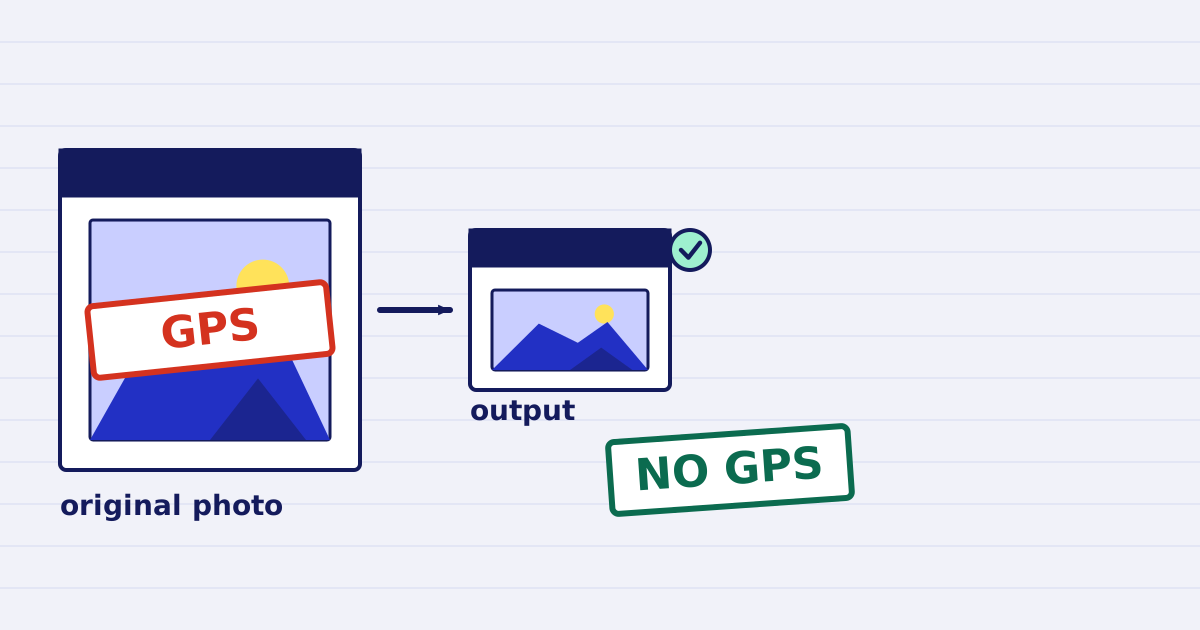
Strip GPS location from photos with one API call
Phone photos store GPS coordinates in their EXIF block. Our image optimize call removes that block by default. Here is the request and a check for each output. -
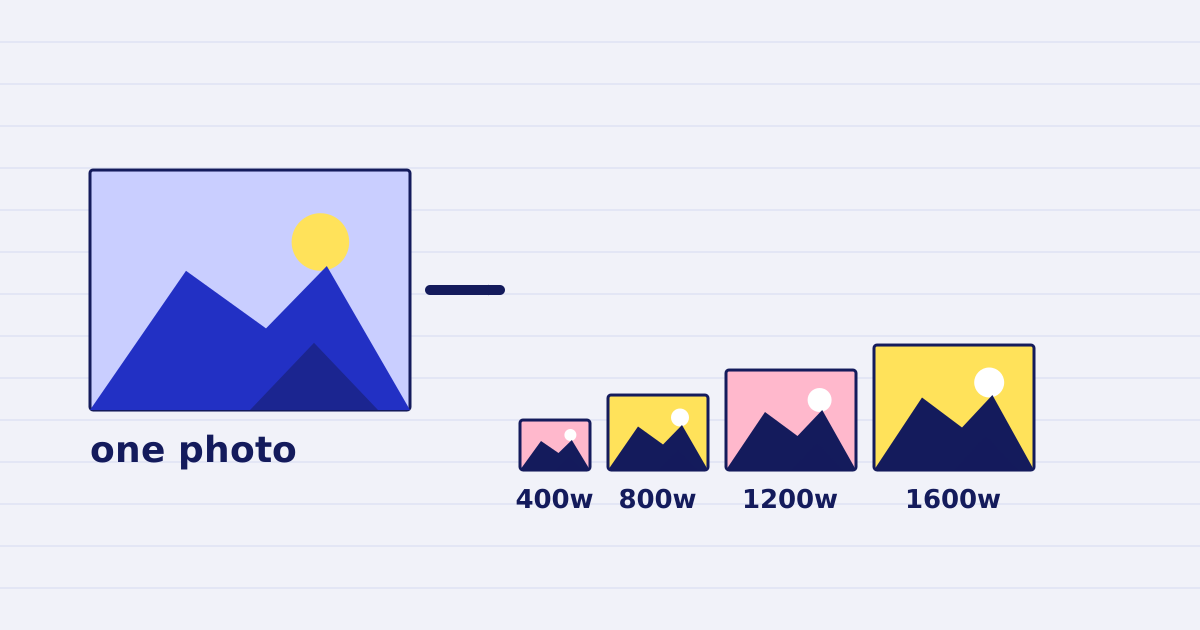
Responsive image sizes in one batch call
Make a responsive image set in one batch request: one ref per width, per-size options, failed sizes kept apart and a srcset built from the results.