API rate limits and concurrent jobs by plan
Requests per minute, concurrent jobs, file size, batch size and result retention for each plan, and what to do when a request returns 429.
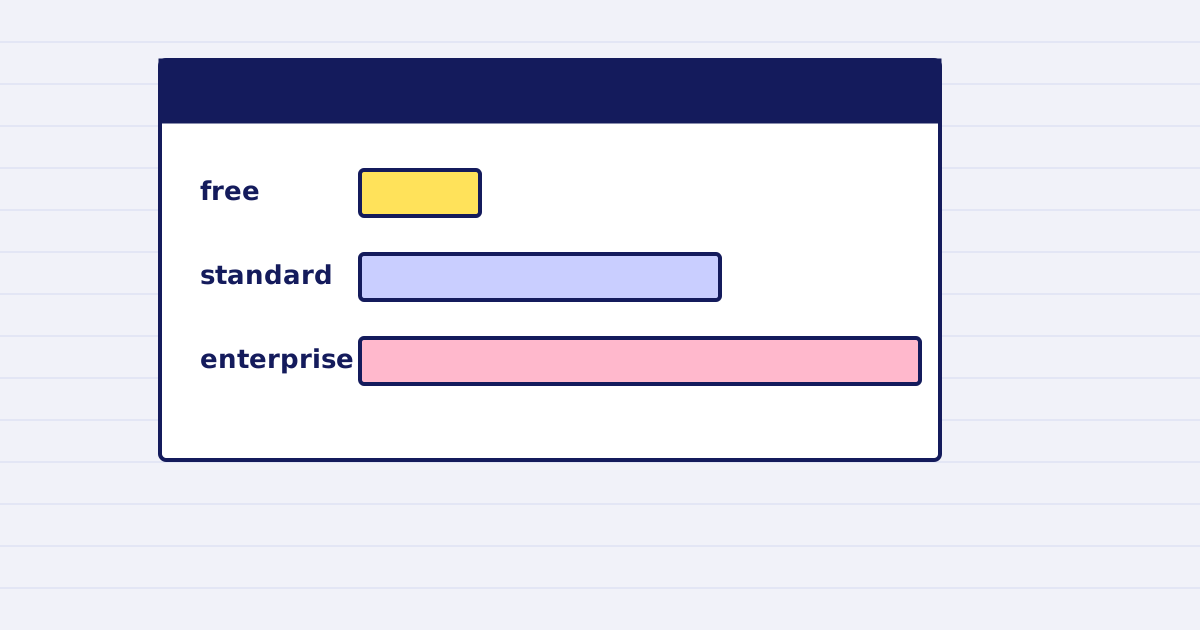
The free plan allows 30 requests a minute and 2 jobs at once. The standard plan allows 300 requests a minute and 25 jobs at once. Enterprise limits are negotiated.
Limits decide how fast your workflow can run. A batch that works in testing can hit a limit in production. This guide lists each limit by plan and what to do when a request returns 429.
The table
| Limit | Free (trial credits) | Standard | Enterprise |
|---|---|---|---|
| Requests per minute | 30 | 300 | Negotiated |
| Concurrent jobs | 2 | 25 | Negotiated |
| Maximum file size | 25 MB | 200 MB | 2 GB |
| Images per batch | 25 | 250 | 1,000 |
| Rows per XLSX file | 10,000 | 1,048,576 | Not listed |
| Result retention | 1 hour | 24 hours | 7 days |
The table comes from our API contract. The plan page lists the current terms.
What each limit means in practice
- Requests per minute counts every call, including the ones that fail.
- Concurrent jobs counts the jobs still running. A file that takes a while holds one slot.
- Maximum file size applies to each source. Above 100 MB, send the file with the upload endpoint rather than as base64.
- Images per batch caps one batch call. Split a larger list into several batches.
- Retention is how long a result link stays valid. Copy the file into your own storage before it expires.
Read the headers
Every response includes these headers:
X-RateLimit-Limit: your limit for the window.X-RateLimit-Remaining: calls left in the window.X-RateLimit-Reset: when the window resets.X-Credits-Remaining: credits left on the account.
Read X-RateLimit-Remaining before you send the next batch. It tells you whether to slow down.
When you get a 429
A 429 returns rate_limited and a Retry-After header. Wait the number of seconds in that header, then retry the same request. Use the same Idempotency-Key, so a retry that reaches the server twice does not run the job twice. The idempotency guide explains why.
Do not retry in a tight loop. A loop adds calls and keeps the limit reached.
Plan the batch
- Count the files and the batch size.
- Divide the count by the requests per minute to get the minimum minutes.
- Cap your concurrent jobs at the number on your plan, minus a margin.
- Set your retry to honor
Retry-After.
Next step
Read your plan's limits in the table above, then run a small batch in staging and read the headers on each response.
Keep reading
-
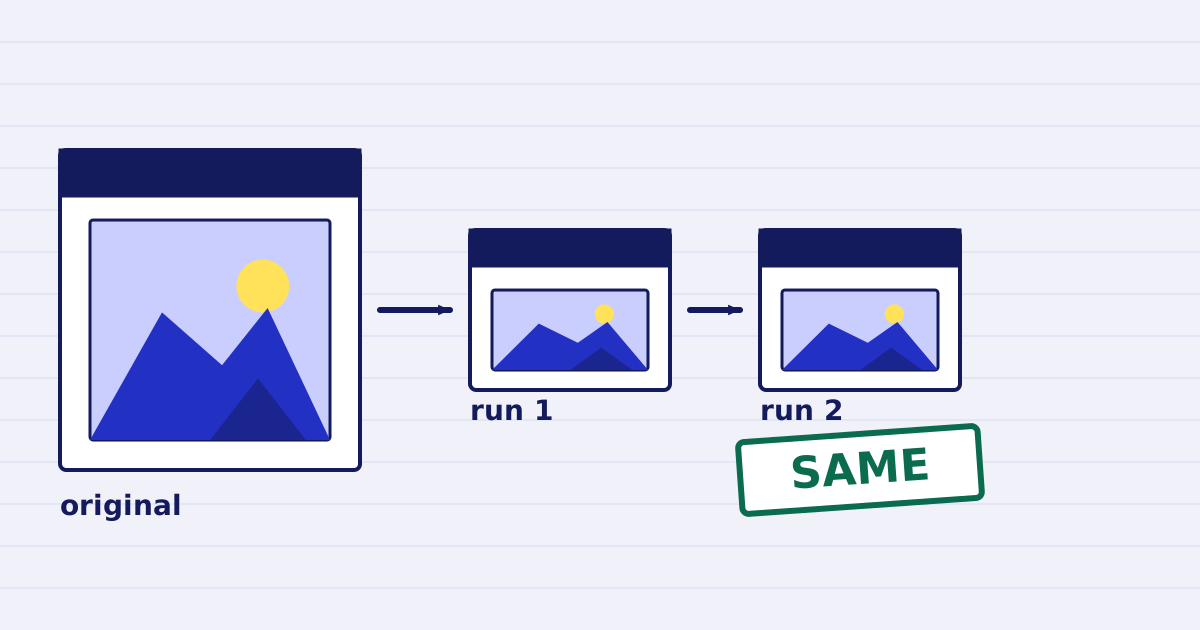
Compress a PDF twice: the second run returns the same bytes
A second compression run skips images that are already at target, so the file comes back unchanged. We measured it, and the case where it does more work. -
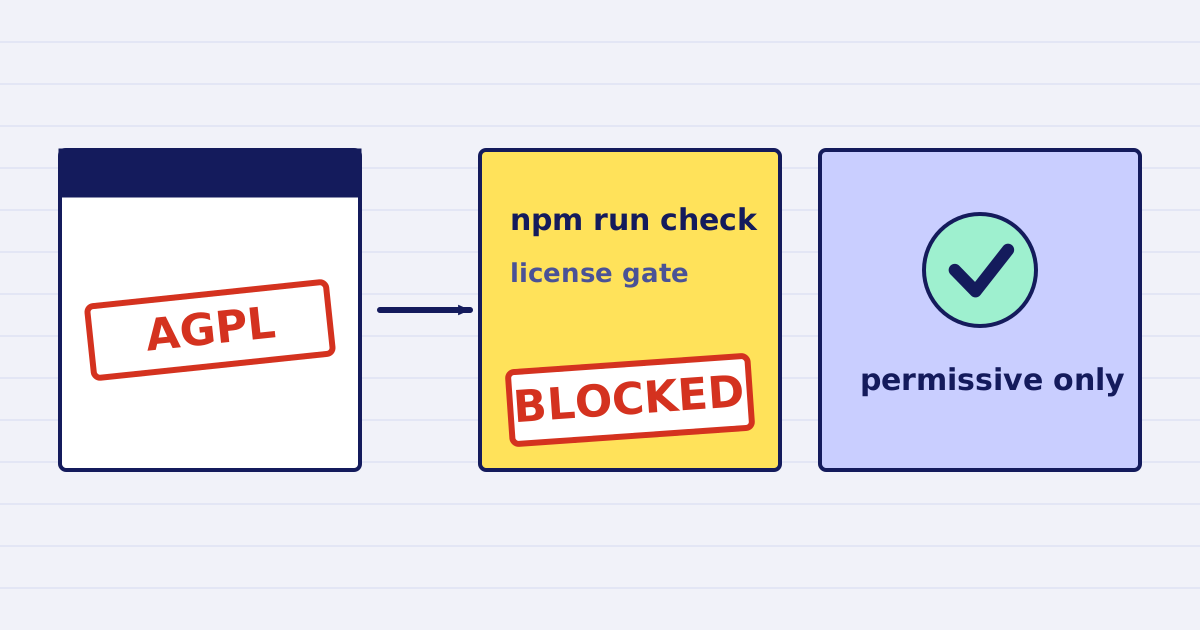
Why our PDF pipeline avoids Ghostscript and MuPDF
Ghostscript and MuPDF are AGPL-licensed. Here is what that license asks of a hosted API, and how our build blocks AGPL and GPL dependencies.